Zapier
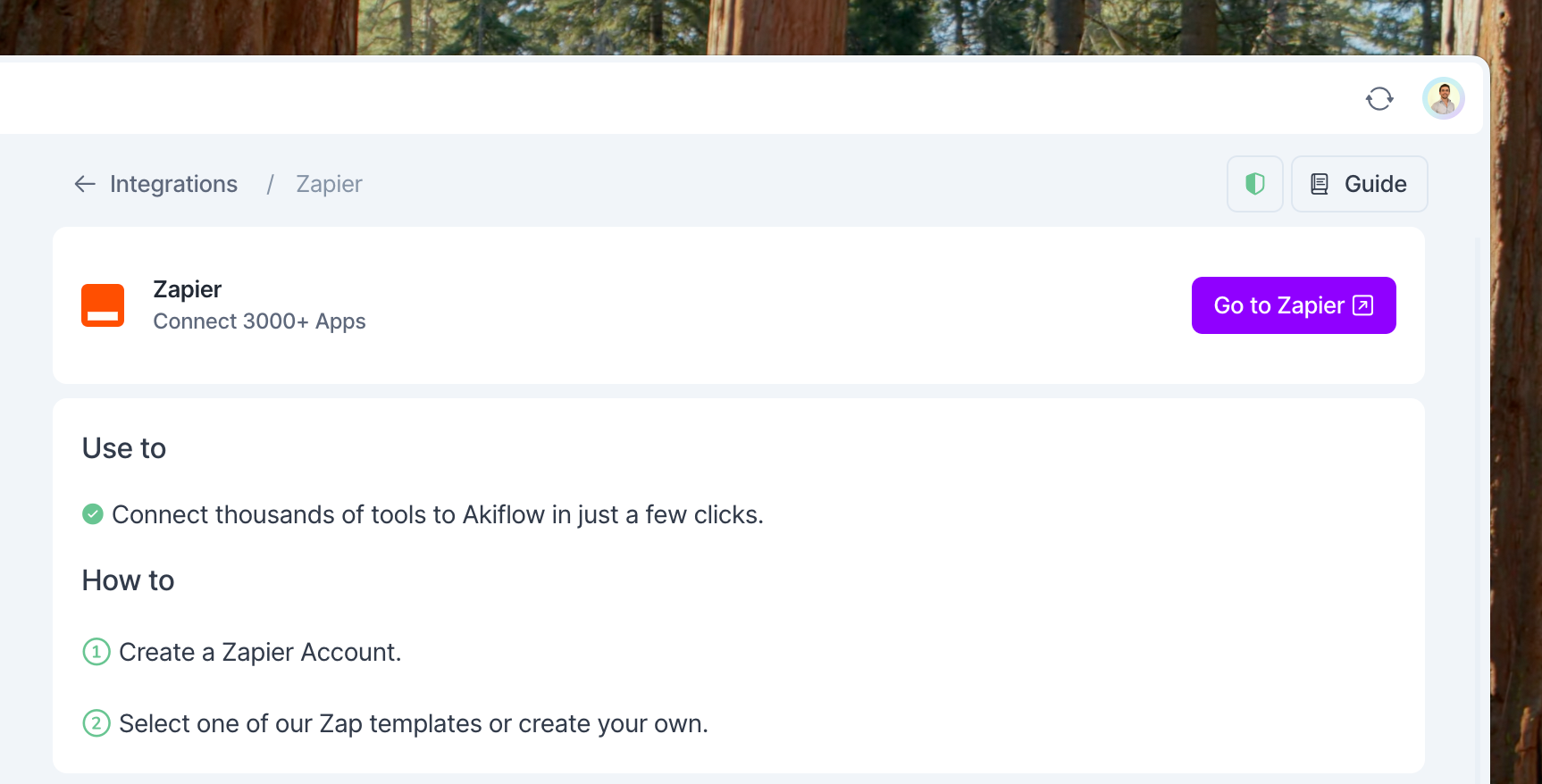
Zapier is a tool that automates the connections between different web applications. You can create and edit these connections ("Zaps") in few clicks, building a workspace that fits perfectly the way you work.
What can I integrate with Zapier
There are 3000+ apps that you can integrate with Zapier. Some examples are Office 365 Emails, Google Tasks, Jira Service Desk, Gitlab, monday.com, Hubspot, etc.
How to integrate with Zapier
Go to Zapier and signup → My Apps → Search Akiflow → Add Akiflow to your apps.
In Settings → Integrations, you can find all the steps to create Zaps between Akiflow and your favorite tools.
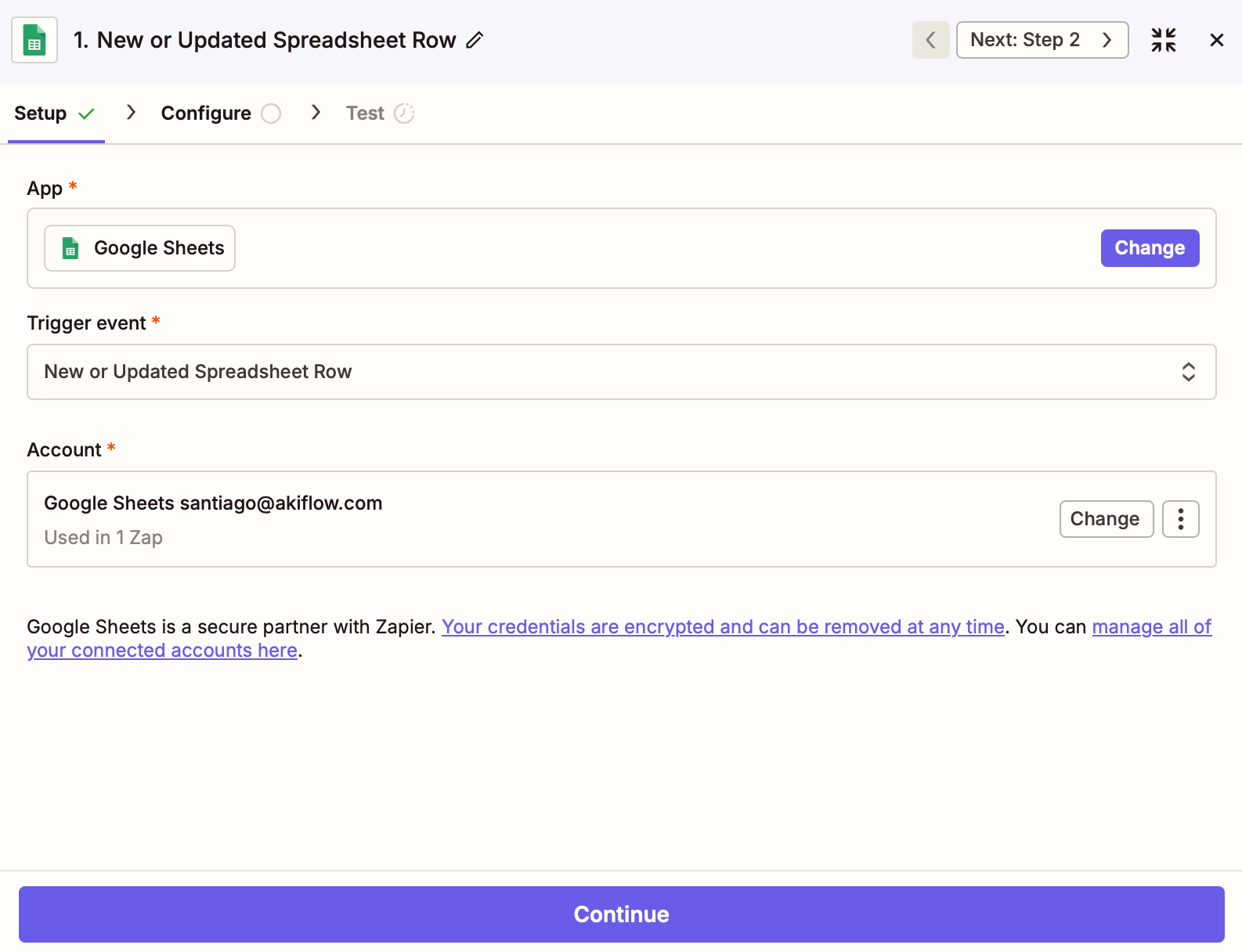
What does Akiflow import via Zapier?
You can customize which tasks to import from your tools for every Zap you create. This is the Trigger. For example, you can select only tasks assigned to you or from specific projects.
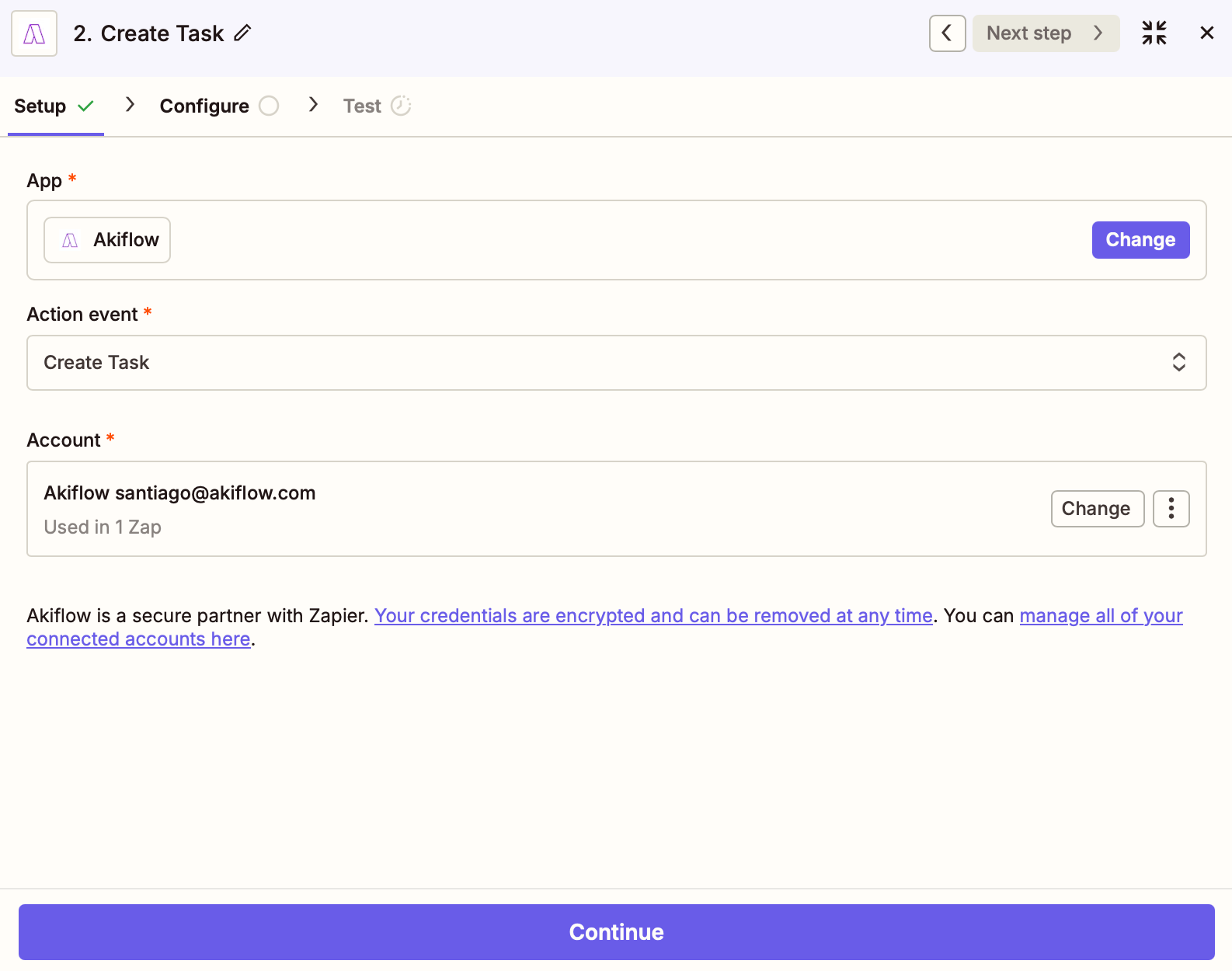
How does the task show up in Akiflow?
You can also customize which information from the task to import (title, description, etc.) and how to display them in Akiflow. This setting is called Action.
Pro tip: You can configure how tasks are imported. Fields like date, duration, priority, deadline and project can be dynamically set using data from your trigger.
Supported Fields & Limitations
The Create Task action in Zapier supports the following fields:
Title (required)
Status
Date / Datetime
Duration (in seconds)
Priority
Daily Goal (true/false)
Due Date
Description
Project
Link
FAQ
Synching has taken more than 10 minutes, why?
Synching has taken more than 10 minutes, why?
If you are in the Free/Starter Zapier Plan, it can take up to 15 minutes to sync your tasks into Akiflow.
Which tools can I connect via Zapier?
Which tools can I connect via Zapier?
Connect +3000 apps directly from Zapier.
I imported too many tasks, what can I do?
I imported too many tasks, what can I do?
Multi-select tasks from Zapier and hit backspace→ How to bulk edit tasks
How my Zap settings are reflected in Akiflow?
How my Zap settings are reflected in Akiflow?
Here's an example:
A task imported into Akiflow can include a title, a planned date, a duration (in seconds), a description, and a link to the original task source.
When I delete a task on Akiflow, what happens to my source tasks?
When I delete a task on Akiflow, what happens to my source tasks?
When you delete a task on Akiflow, nothing happens to the source task imported via Zapier.
How are Zapier and Akiflow synched?
How are Zapier and Akiflow synched?
It can take up to 15 minutes to import your tasks in Akiflow.
When you import a task via Zapier, it’ll be shown in your Akiflow Inbox or Today pages.
Any changes you make in Akiflow, won’t be reflected in the tool connected via Zapier.
Can I assign tags to tasks created via Zapier?
Can I assign tags to tasks created via Zapier?
No. Tags are not available as a field in the Akiflow Create Task Zapier action, this is a current limitation of the integration. If you need to organize tasks, you can use the Project field as an alternative.
Does Akiflow support Zapier automations from Akiflow to other apps?
Does Akiflow support Zapier automations from Akiflow to other apps?
At the moment, the Akiflow Zapier integration only supports inbound workflows, meaning you can use Zapier to create tasks in Akiflow from other apps.
Akiflow does not currently support outbound Zapier triggers or actions (Akiflow → other apps). For example, changes made to tasks in Akiflow cannot yet trigger automations in Zapier.
Was this helpful?
Still need help? Ask the team