🚀 Siri Meets Aki + Choose Your Gmail Client
Hands-free task creation with Siri and Aki, plus full control over your Gmail client for a more flexible and seamless workflow.
🎙️ Siri Now Works with Aki
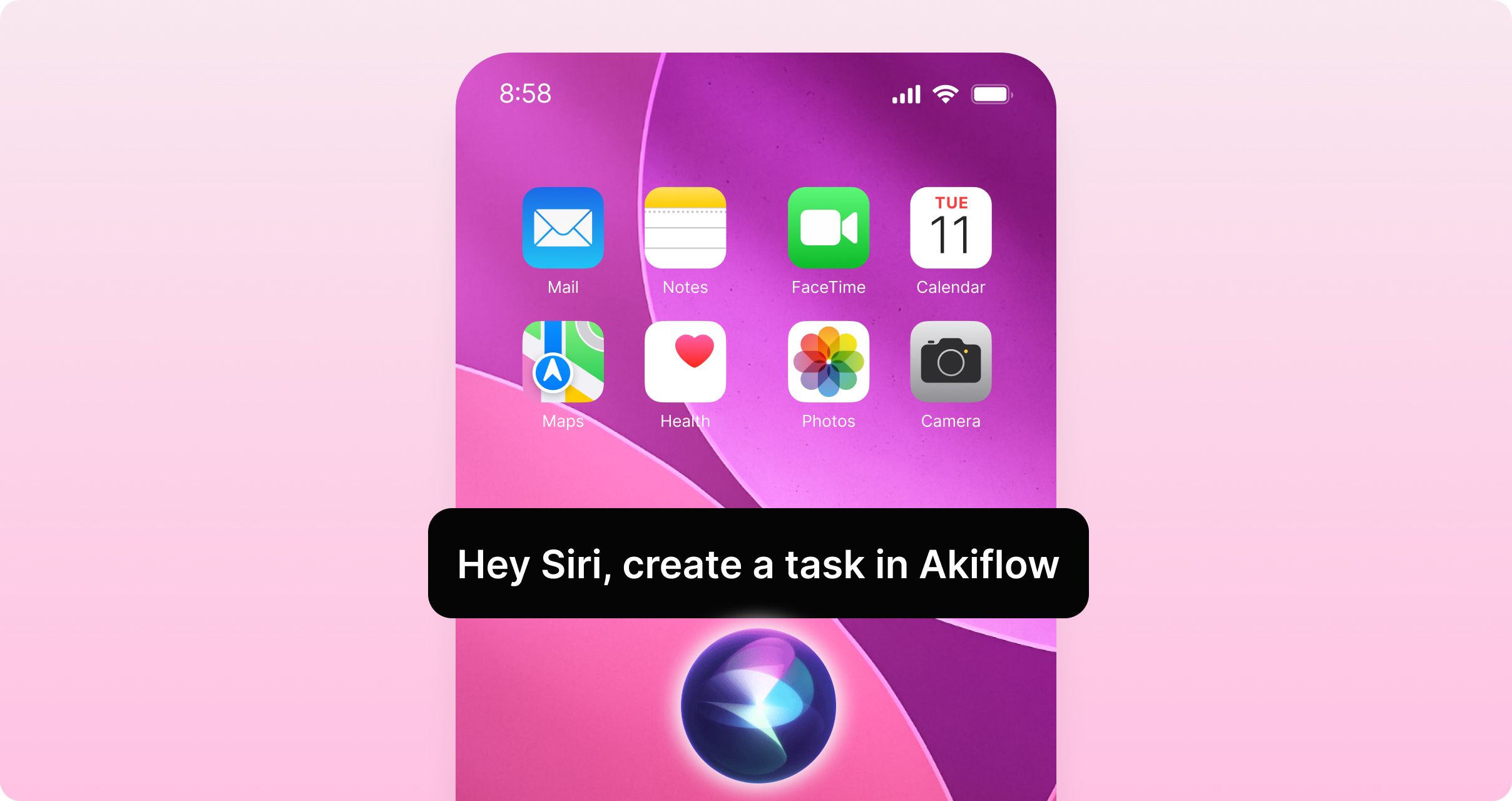
Siri now integrates seamlessly with Aki, allowing you to create tasks and events hands-free with natural language.
How to use:
"Hey Siri, create a task in Akiflow"
"Hey Siri, use Akiflow, please add a task in my inbox called Review Report assigned to my Marketing project"
"Hey Siri, use Akiflow Assistant, create a Running Session event for tomorrow 10am"
Aki will understand your request and add it to your workflow.
Setup required:
Enable Akiflow for Siri in your iOS settings
This upgrade brings the power of Aki's intelligence to voice commands, making it easier than ever to capture tasks and schedule events while you're on the go, driving, or multitasking.
📧 Manage your Gmail integration with your favorite client
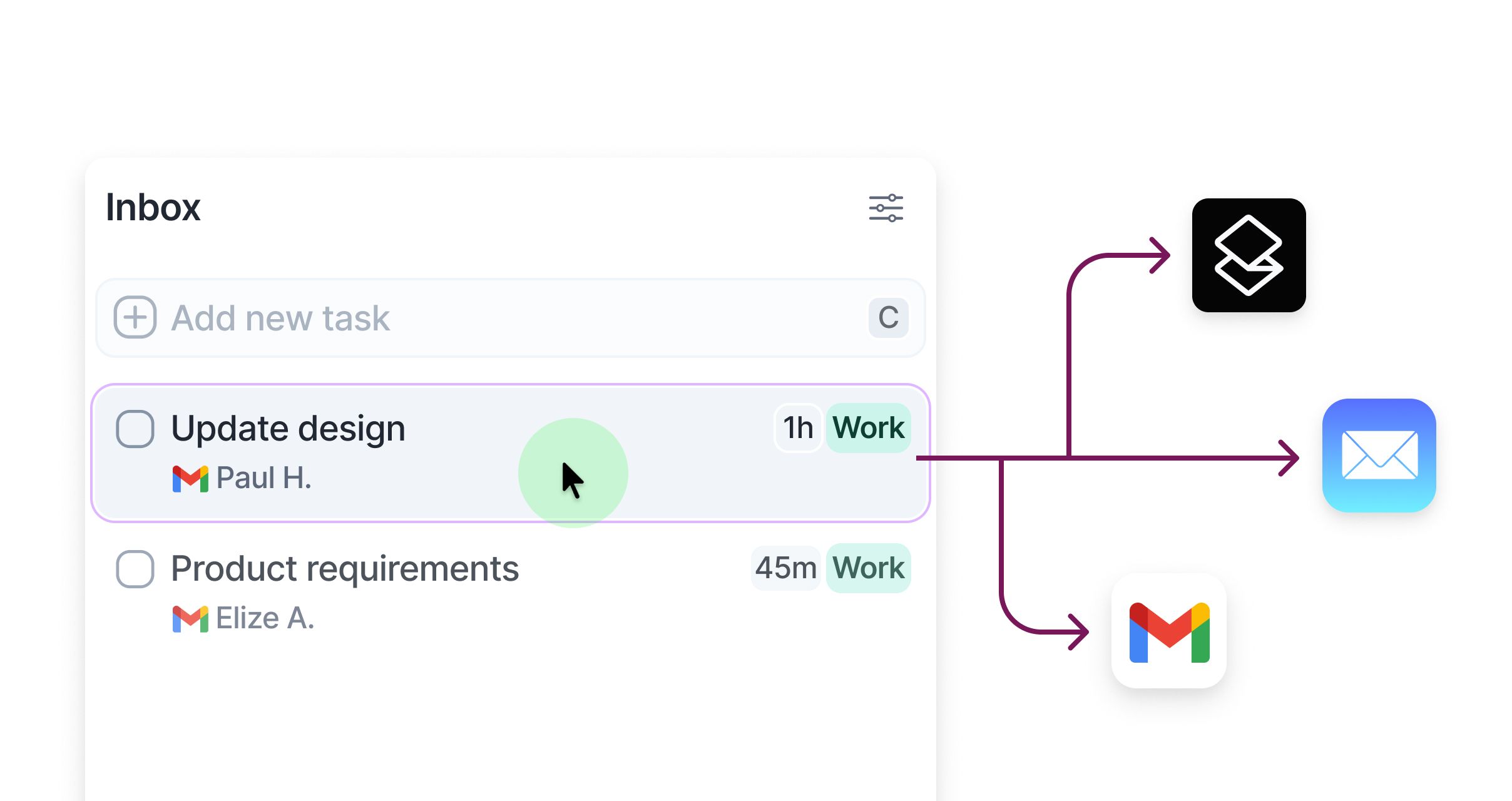
You now have full control over which email client Akiflow uses for your Gmail integration!
Available options:
Gmail
Apple Mail
Superhuman
How to set it up: Navigate to Settings → Integrations → Your Gmail connected accounts, and select your preferred client.
When you interact with email-based tasks in Akiflow, they'll now open in your chosen mail client, creating a more seamless workflow that matches your preferences.