Smoother Task Management with Style Upgrades and Emojis
🦄Task List Behavior and Style Enhancements:
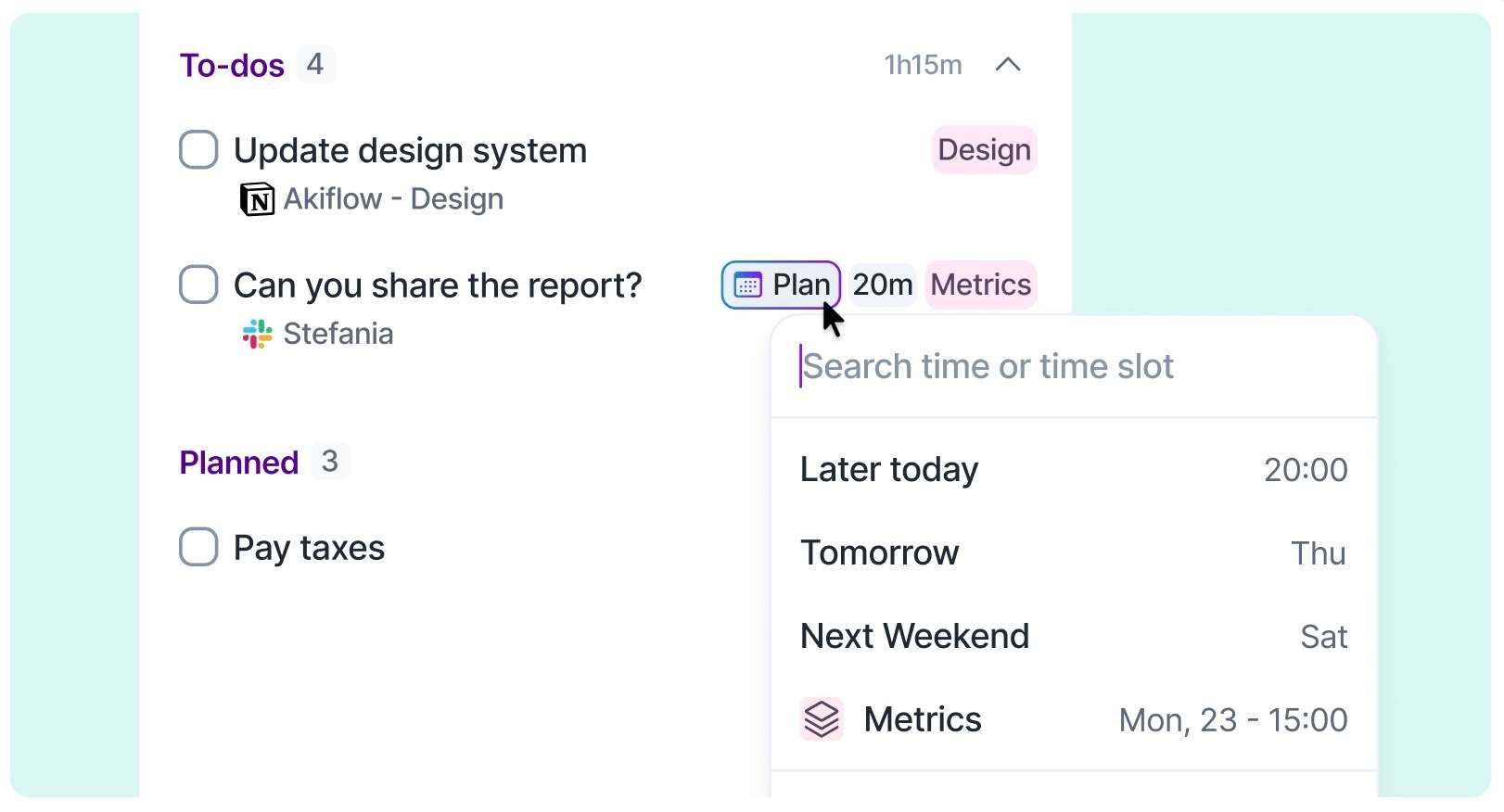
One-Click Task Editing: Quickly plan tasks in your Inbox and process them with just a single click on any field.
Task List Style Update: The task title is now aligned to the left, while the Plan Date and task status have been moved to the right for better clarity.
- Task Creation & Tray Menu Review: We've refined their style to match the updated task list design.
🧩 Project Style Refresh + Emoji Support:
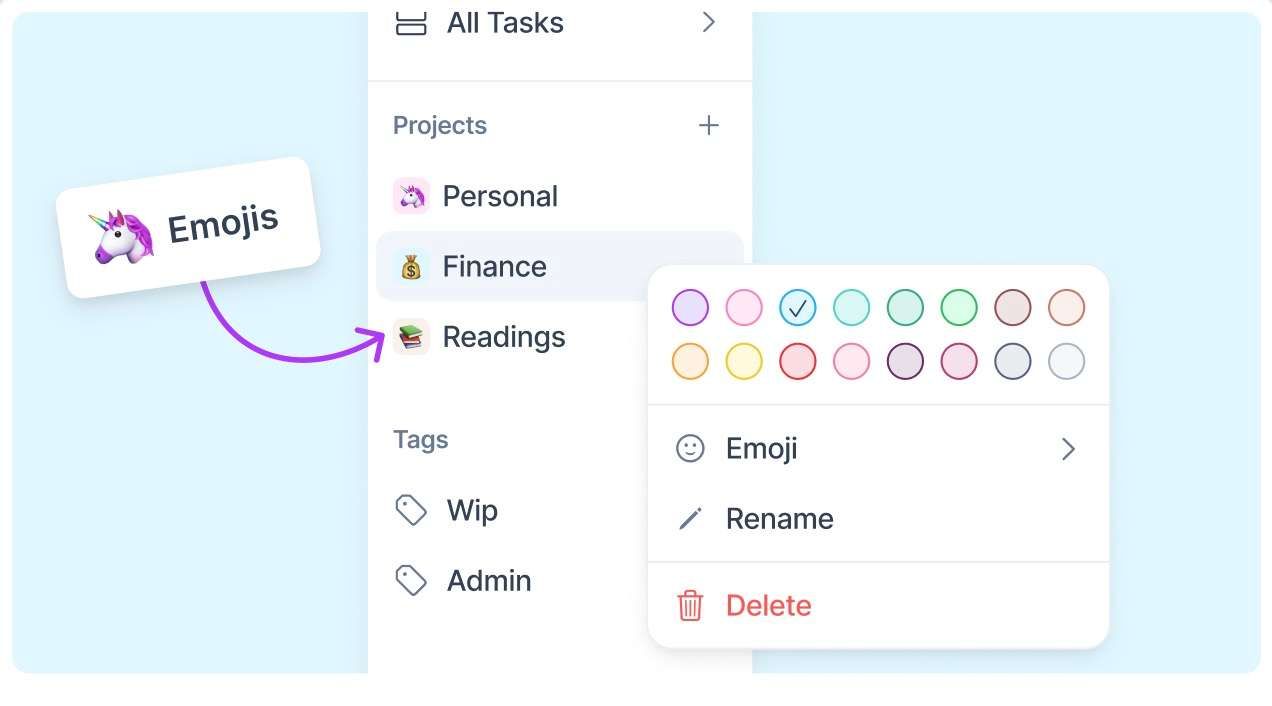
Project Letter Indicator: Easily identify which project a task belongs to by the first letter of the project name, replacing the old generic # icon across the calendar, filters, and more.
- Emoji Integration: You can now choose and add your favorite emojis to tasks.
📅 Calendar & Interface Improvements:
Akiflow Logo: Our logo got a shiny new update! 💫
Hover Tooltips on Calendar: When you hover over empty spaces in the calendar, a tooltip now clearly indicates when you're creating an event, both on your primary and secondary time zones.
Tooltip Review: We've also reviewed and improved the tooltips throughout the calendar for clearer and better guidance.
Calendar Navigation: Smoothly scroll through calendar side elements to easily view upcoming dates.
Menu Simplification: The menu's UI is more streamlined. The collapse button has moved to the app header, and the edit mode is now accessible via right-click.
Settings Page Clarity: We've improved the menu in the settings page to make it more intuitive.