Focus Timer is finally here 🙌
📢 Desktop Only Feature: This feature is available only on our desktop app.➡️ Download Desktop: Click here to get it!
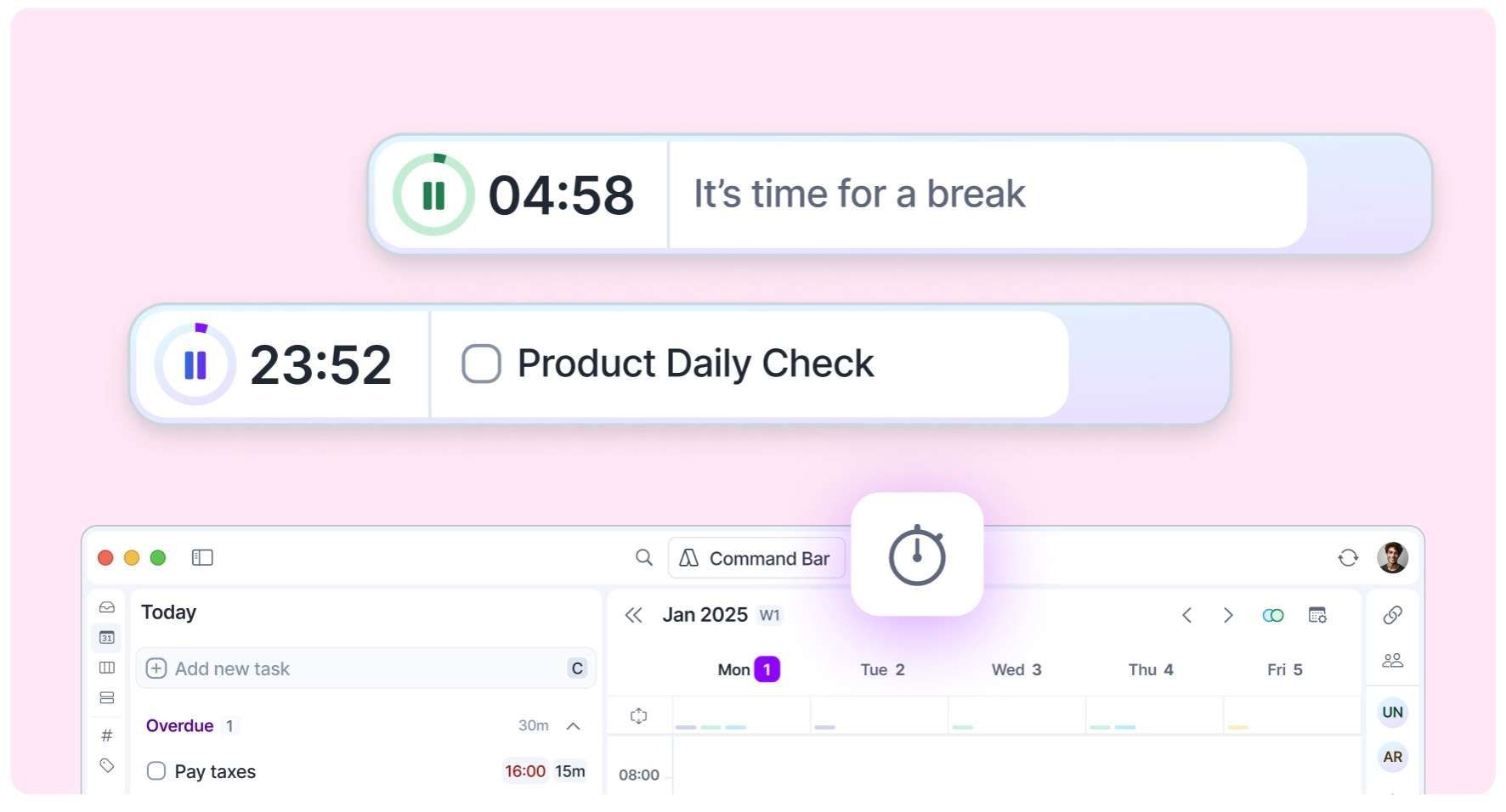
You can now structure your work with 🍅 timed focus sessions!
Start your timer and it’ll stay visible on your screen to keep you focused.
👀 See your ongoing timer in two places:
In the Akiflow header
- Floating on your computer screen -> yes, you can move it!☑️ Tasks: The timer will show your current task in calendar, so the first task in your Today's "Schedule in calendar" section, based on your sorting option.❤️🩹 Oops: If that section is empty..well you should plan tasks in your calendar;) but until then, the timer will show your To-Dos and Overdue tasks.🎧 Settings: Set your timer with the** settings** that work for you. The default is 25m focus, 15m break, repeated 4 times.🔔 Sound: With a nice sound, it’ll remind you when it’s time to start a break or focus period.📚 Learn more: Focus Timer Guide