
Changelog

Follow new updates and improvements to Akiflow.

📅 iPad is Back! + Share in 1 Tap & Calendar Improvements

iPad and tablet support is back, faster task creation with 1-tap sharing, and smoother calendar performance.

🧑‍💻 iPad & Tablet Support is Back!

  • You can now use Akiflow on iPads and tablets again! We know there’s more to do (landscape mode is coming!), but this re‑enables access so you can get started right away.

📤 'Share with' Akiflow in 1 Tap

  • When sharing from another app (like Safari, Gmail, WhatsApp…), you can now create a task instantly in your Inbox, no confirmation needed!

📅 Calendar Improvements

  • ⏪ Improved scrolling backwards through the desktop calendar for smoother navigation

  • 🧠 Time Slot Logic simplified: Changing the tasks time will remove them from the slot. This improves performance and avoids bugs in edge cases
💌 Send Emails to Aki to Create Tasks

Aki can now turn emails into actionable tasks automatically.

🔗 Go to Settings → AI Center → and connect your enabled addresses.

Once done, you will be able to reach out to aki@akiflow.com directly from the email accounts you have enabled.

Forward flight confirmations, event invitations, or any email with dates and details, and Aki will automatically create the corresponding task or event in your Akiflow.

⚠️ Note: Aki Email only processes emails where aki@akiflow.com is the primary recipient (To field). Emails sent via CC or BCC are not processed.

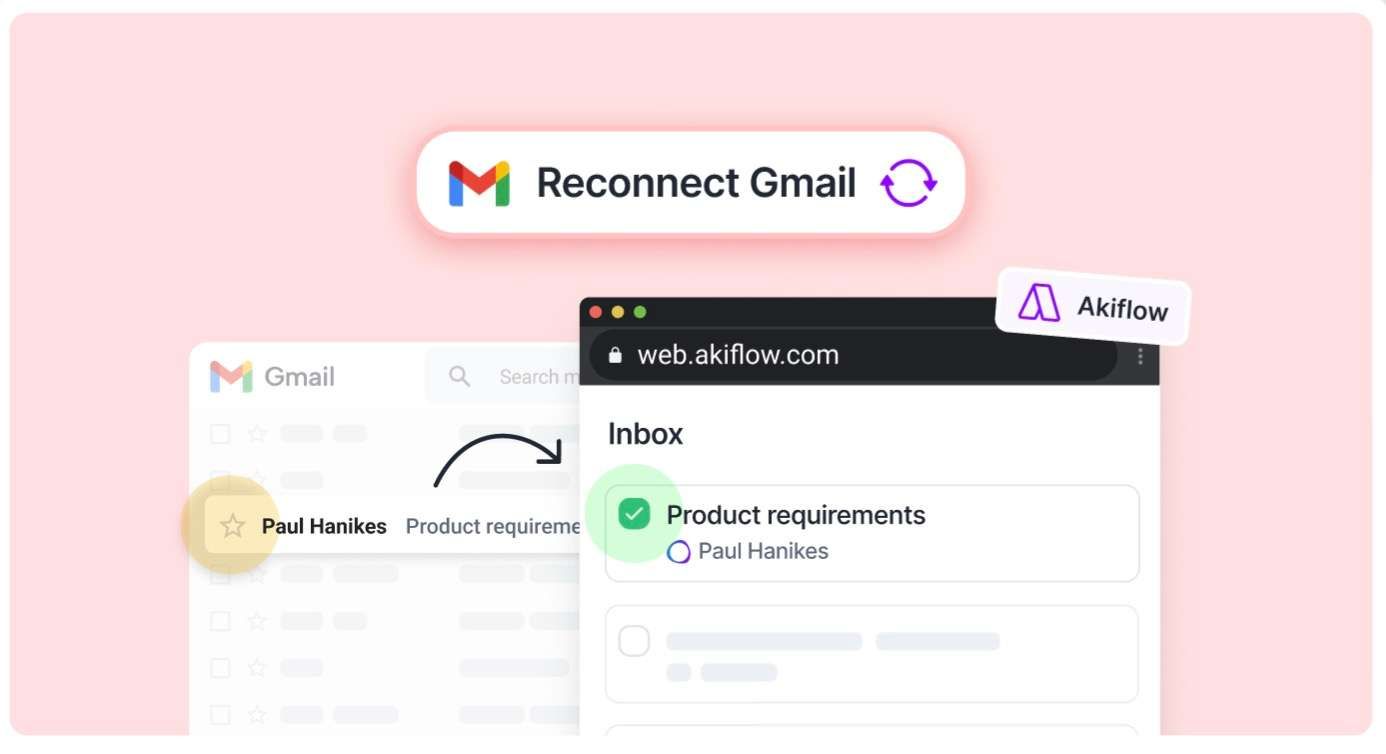
We're gradually releasing 📬 2-way Gmail Sync - also on web!

Gmail now works server-side, just like our other integrations.This means:🌐 You can now use Gmail sync on the web version too🔗 No more reconnecting after logging out✅ And best of all: if you remove a star (or the Akiflow label) from an email in Gmail, the corresponding task in Akiflow will be automatically marked as done!

⚠️ You need to Reconnect your Gmail accounts to enable this ⚠️

Screenshot 2025-08-06 at 14

Earlier updates