Changelog
Follow new updates and improvements to Akiflow.
Aki can now turn emails into actionable tasks automatically.
🔗 Go to Settings → AI Center → and connect your enabled addresses.
Once done, you will be able to reach out to aki@akiflow.com directly from the email accounts you have enabled.
Forward flight confirmations, event invitations, or any email with dates and details, and Aki will automatically create the corresponding task or event in your Akiflow.
⚠️ Note: Aki Email only processes emails where aki@akiflow.com is the primary recipient (To field). Emails sent via CC or BCC are not processed.
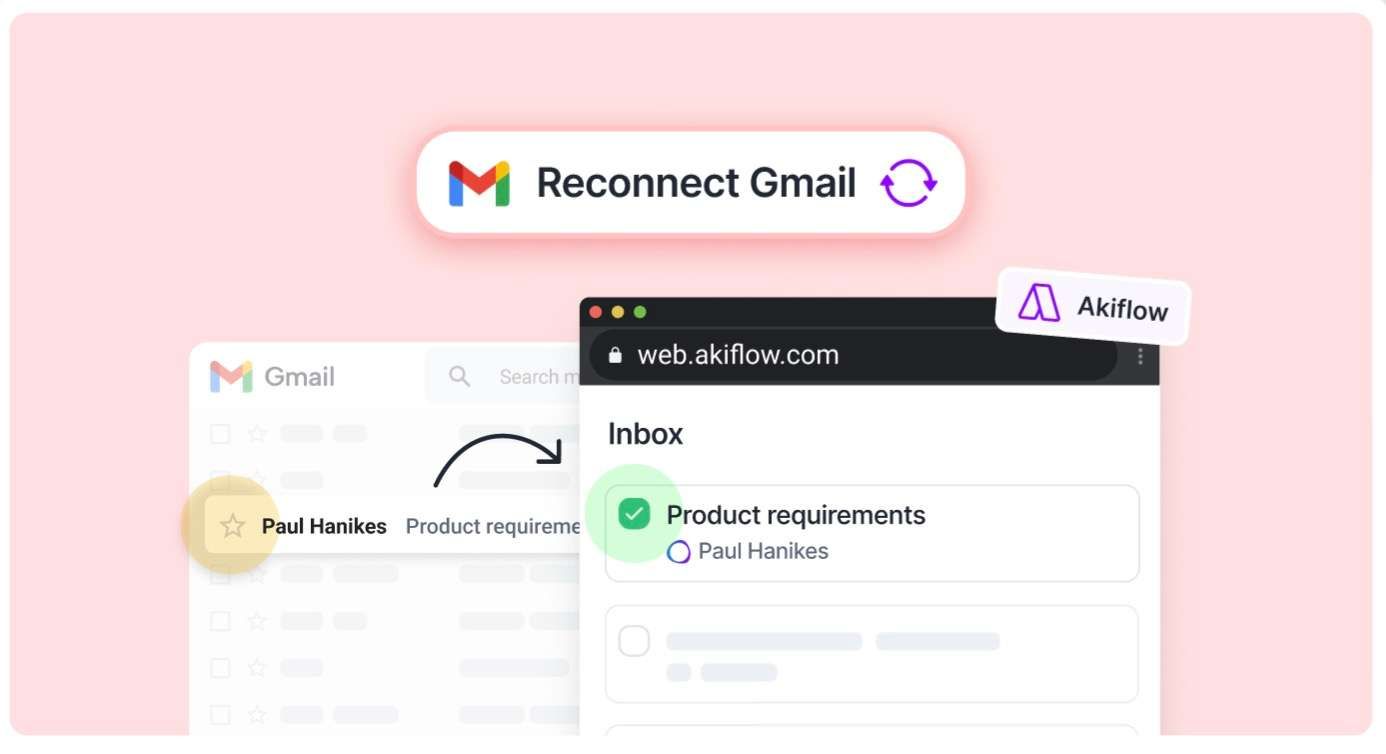
Gmail now works server-side, just like our other integrations.This means:🌐 You can now use Gmail sync on the web version too🔗 No more reconnecting after logging out✅ And best of all: if you remove a star (or the Akiflow label) from an email in Gmail, the corresponding task in Akiflow will be automatically marked as done!
⚠️ You need to Reconnect your Gmail accounts to enable this ⚠️
🚀 Mobile New features
Hold the Aki icon on the Akiflow mobile app to start directly **recording **to Aki
Copy links: You can copy tasks links, events locations, guests, meeting links on mobile as well!
🌈 Mobile-only Improvements
Calendar: we made the placeholder to create elements bigger, so it's easier to spot and edit.
You can now lock tasks/timeslots in one click: they'll get automatically locked on your primary calendar. You can click again to change the locked calendar
UI review of the tasklist elements
Added haptic feedback to calendar & tasklist
UI/UX fixes and review of the Settings Pages
Review of all app's micro-animations
☀️ General Improvements
On desktop you can now scroll the calendar while the Aki chat is open
We added the option to easily remove the "Someday" date to push tasks back tot he Inbox
We worked hard to fix all Recurrent elements related bugs
We had to remove the Fiverr, Pocket, Alexa integrations as they're not supported by IFTTT anymore