
Changelog

Follow new updates and improvements to Akiflow.

💌 Send Emails to Aki to Create Tasks

Aki can now turn emails into actionable tasks automatically.

🔗 Go to Settings → AI Center → and connect your enabled addresses.

Once done, you will be able to reach out to aki@akiflow.com directly from the email accounts you have enabled.

Forward flight confirmations, event invitations, or any email with dates and details, and Aki will automatically create the corresponding task or event in your Akiflow.

⚠️ Note: Aki Email only processes emails where aki@akiflow.com is the primary recipient (To field). Emails sent via CC or BCC are not processed.
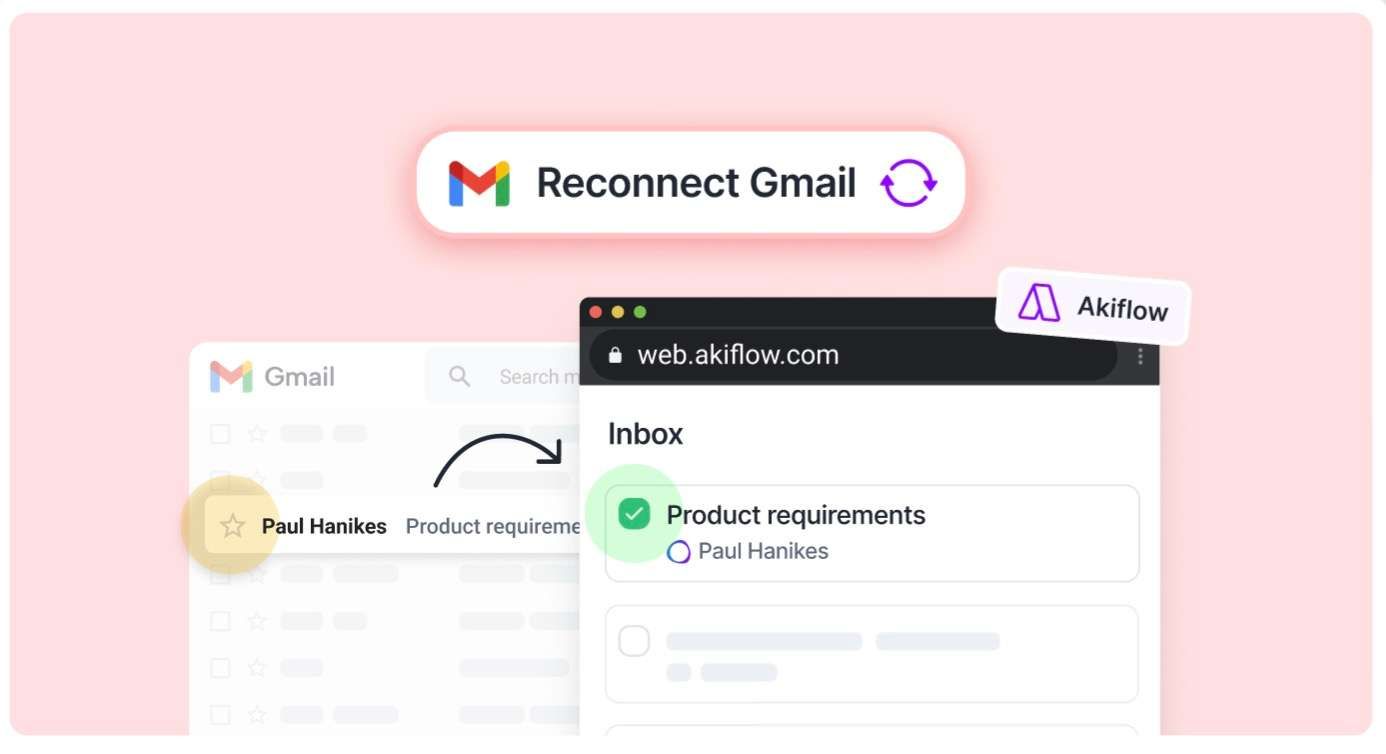
We're gradually releasing 📬 2-way Gmail Sync - also on web!

Gmail now works server-side, just like our other integrations.This means:🌐 You can now use Gmail sync on the web version too🔗 No more reconnecting after logging out✅ And best of all: if you remove a star (or the Akiflow label) from an email in Gmail, the corresponding task in Akiflow will be automatically marked as done!

⚠️ You need to Reconnect your Gmail accounts to enable this ⚠️

Screenshot 2025-08-06 at 14

Shortcuts, Settings and more information 🙌

Better Show Info

  • ⏳ Time Slots: hover any time slot to see the total tasks duration and how many tasks are completed

  • ✏️ Compact view: added an icon to show when a task has a description

Shortcuts

  • 👀 Capture: Clipboard info is now kept if the command bar is opened or has any text

  • 👆 Select All Tasks: cmd/ctrl A works even with a popup opened

Create tasks and its info

  • 🆕 Add new task field review: improved duration and deadline components

  • 🗑️ Disruptive actions have been added to all selectors (eg option to remove deadline)

Settings

  • 🔗 Share availability: Update Locked Calendar Selector

  • ⚠️ Integrations Warnings: Added new ones to help not importing too many tasks

Earlier updates