Widget Slots Broken
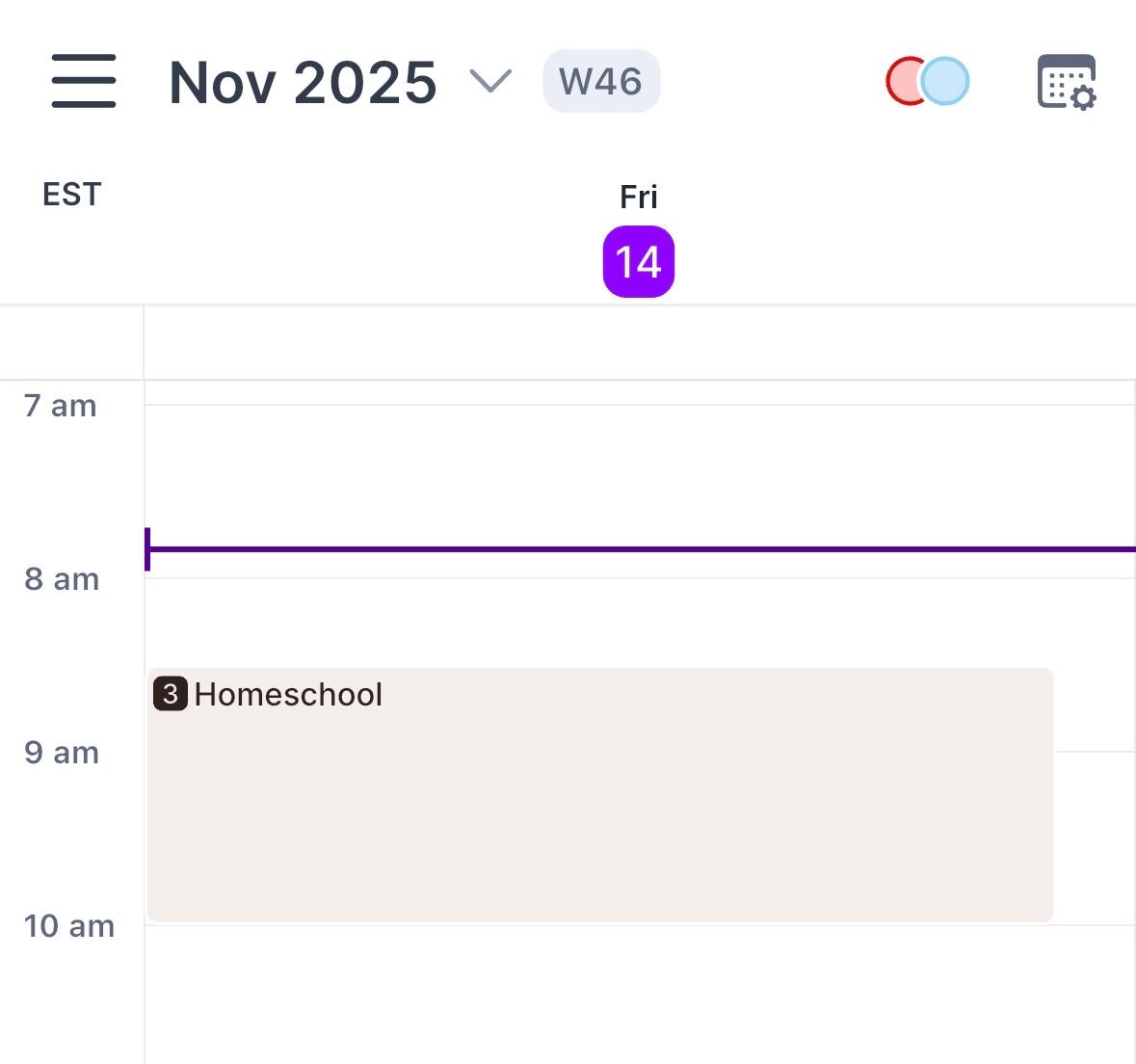
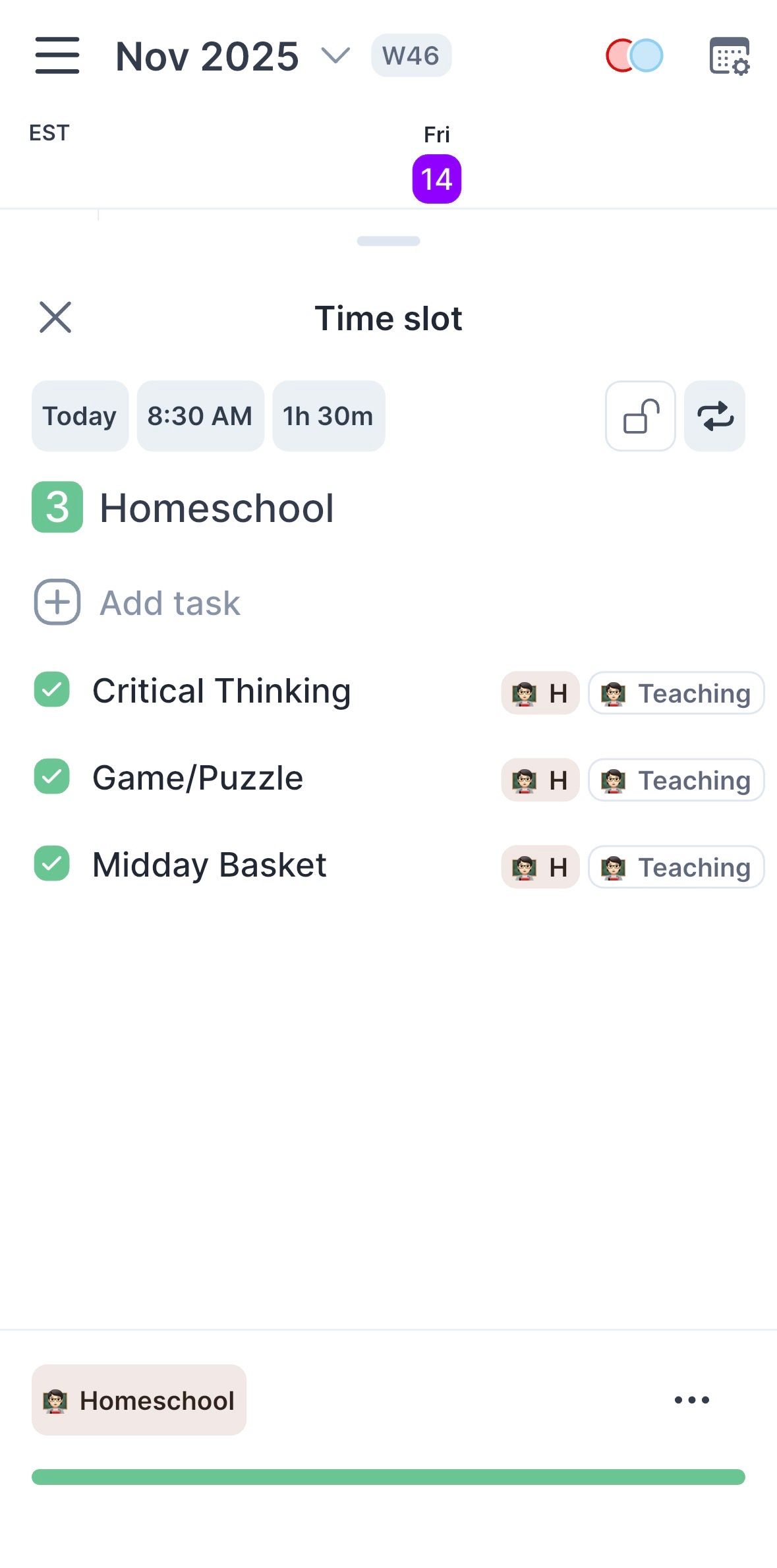
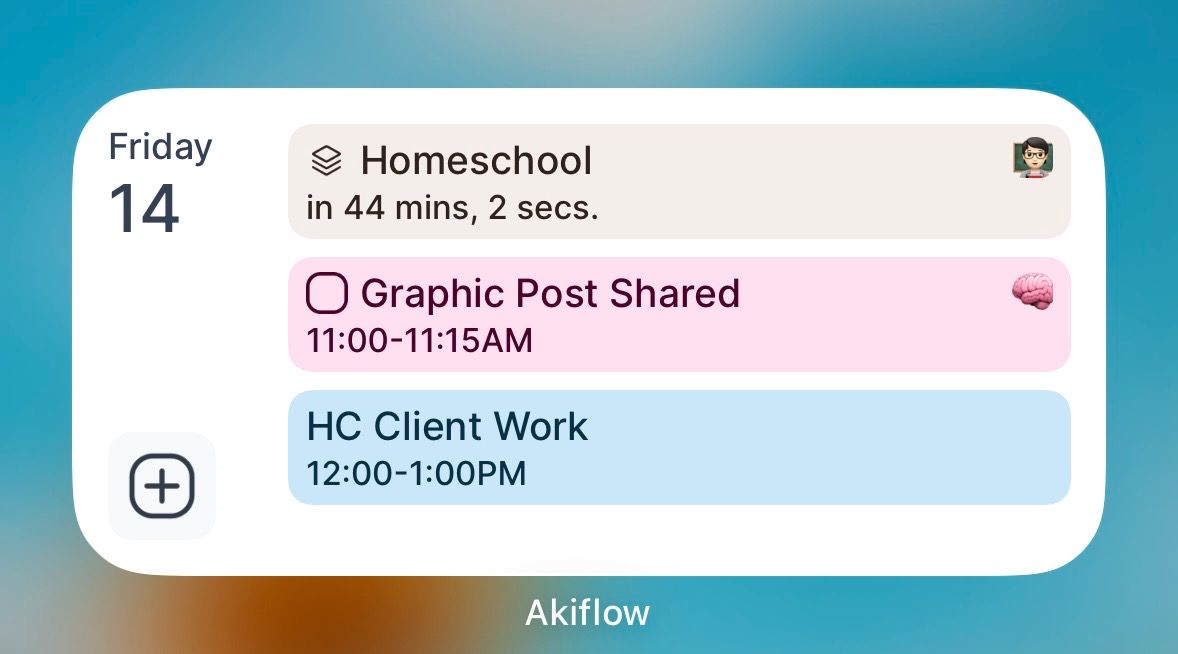
My widget is no longer showing the number of tasks, just the slot icon. Then when I click into it, it shows all the tasks and the widget as complete, when I haven’t done anything yet this morning. When I exit the time slot to show the calendar, it shows the time slot number as black, so not completed.
Log in to comment and vote
Comments5
Relly
Nov 18, 2025
My iPad widget won’t even update to the correct day now, so I can’t tell you. It’s stuck on Friday. I closed and reopened my app, and removed and re-added the widget.
Relly
Nov 18, 2025
My iPhone widget is fine. But it still just shows the slot icon. It does correctly show which tasks are completed and which aren’t when I click on it though!
Jayrich Sebullen
Nov 18, 2025
Hi @Relly Can you try re-adding the widget and let me know what happens? Thanks in advance!
Relly
Dec 8, 2025
Still happening even with iOS and Aki updates, on multiple devices, even after removing and readding the widgets.
Relly
Mar 29
Still broken four months later. Some slots show numbers and some don’t! Homeschool has 8 tasks in it, but just showing the stack.