🥳 Microsoft Outlook Calendar and Email Integrations
We are thrilled to announce that our Outlook integration is here!
📅 Outlook Calendar:
Unified Calendar View: Connect all your Outlook calendars to Akiflow for a seamless overview of your meetings and appointments.
** 2-way sync**: you can easily create, edit and delete your Outlook events from your Akiflow calendar, everything'll be seamlessly synched with Outlook.
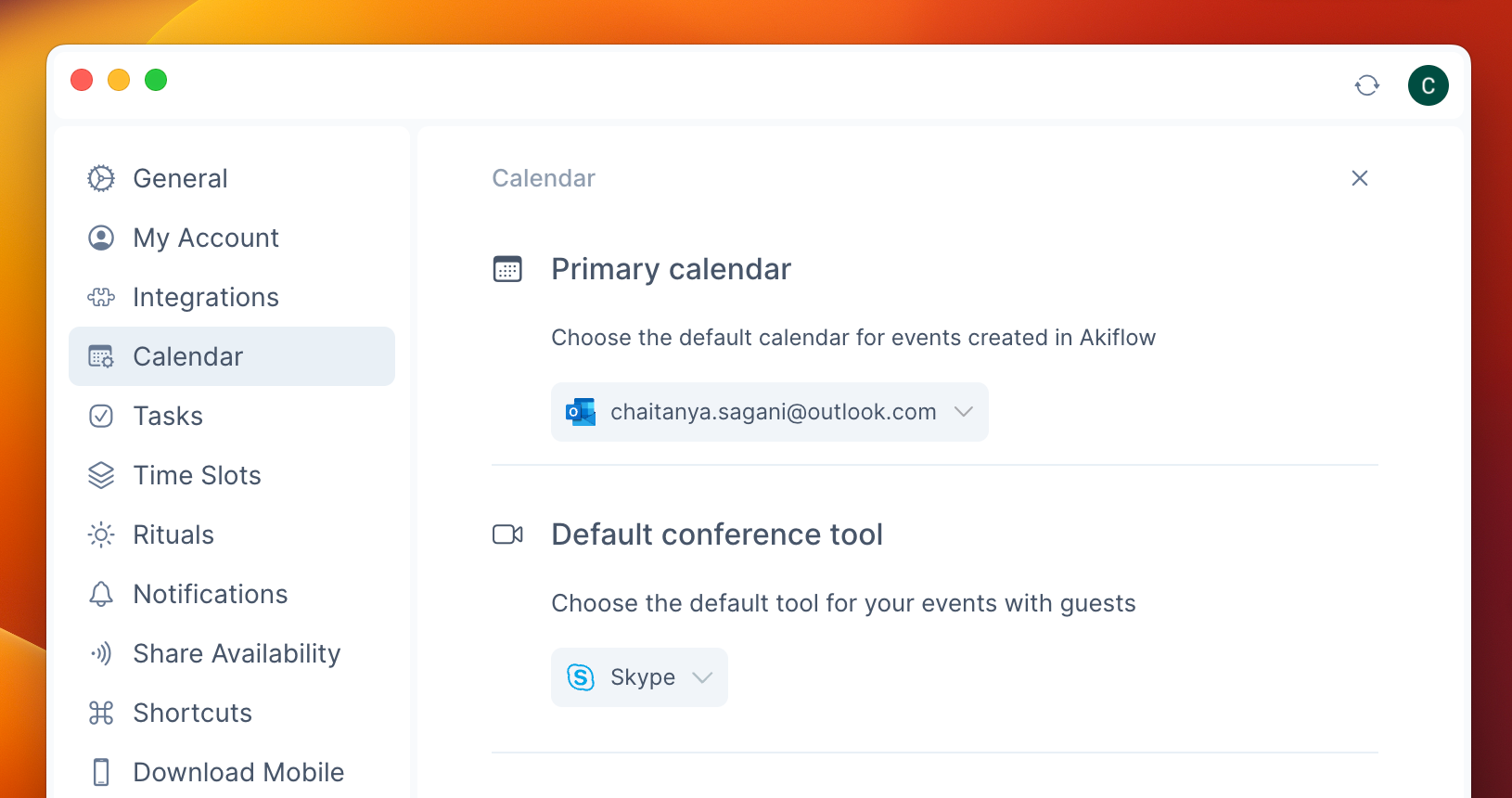
Set as Default: Make your Outlook calendar as the default in Akiflow for event creation and task/slot lock, by going to Settings > Calendar/Tasks/Time Slot.
Default conference tool: Go to Settings > Calendar to set your preferred tool for when you create an Outlook event.
- Learn More: Discover detailed steps on integrating Outlook Calendar with Akiflow here. 🔗
📧 Outlook Email
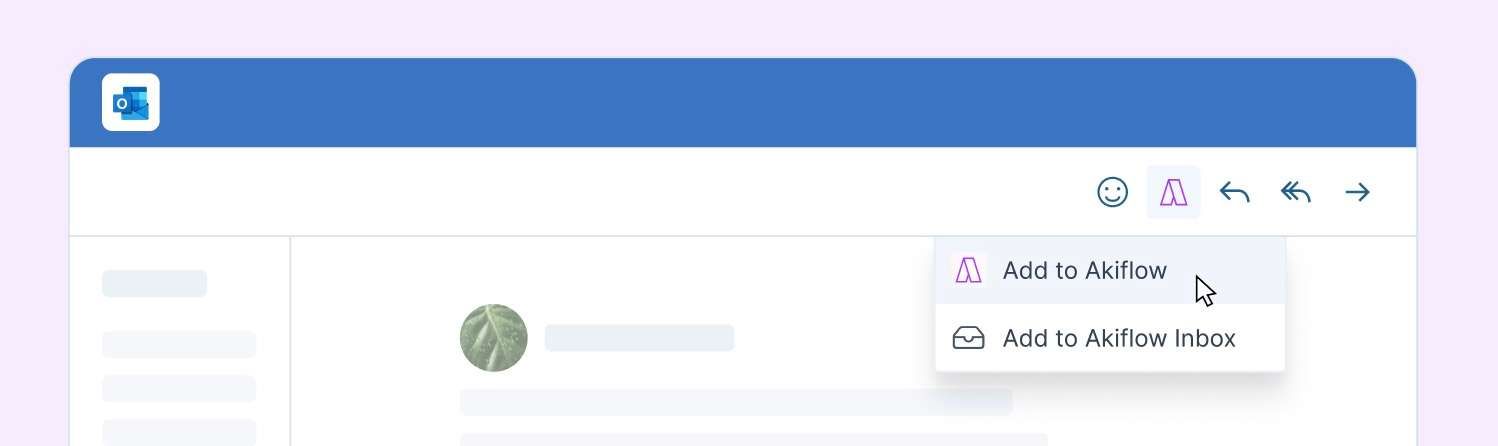
Effortless Email Integration: Link your Outlook Email to Akiflow to save any email as a task in a click!
How? Go to your Outlook Settings > Email > Customize Actions > Message Surface and check Akiflow to keep the Akiflow icon always at your fingertips on your Outlook page.
Pick your import option: you can either push the email directly to your Akiflow Inbox or add information (plan date, description etc) before the import.
- Explore More: Get all the information you need for integrating Outlook Email with Akiflow here. 🔗