Changelog

Follow new updates and improvements to Akiflow.

🌈 Mobile Improvements 🌈

🏠 Default Home View

  • As you voted on our Slack community, we changed the Default mobile view to the calendar 1-day view

↔️ Drag and drop grouped tasks

  • You can now move grouped tasks in calendar as you do for tasks and events!

🗓️ Calendar Improvements

  • Added time zone

  • Agenda and Monthly view are easier to read

  • Your calendar week now starts based on your system settings

🔢 Date Format

  • You can now change your time format (12/24h) from Settings > Calendar

✅ Mark as done on integrations

  • Imported tasks, marked as done in the mobile app, are now marked as done on the source tool as well.

✨ Added animations

  • Show animations when you complete all the tasks on Inbox or Today page.
🗓️ Exciting Calendar Upgrades 😍 - must read!

We reviewed the UI of different elements in the calendar to make it easier to read and use. But, as always, we didn't stop there:)

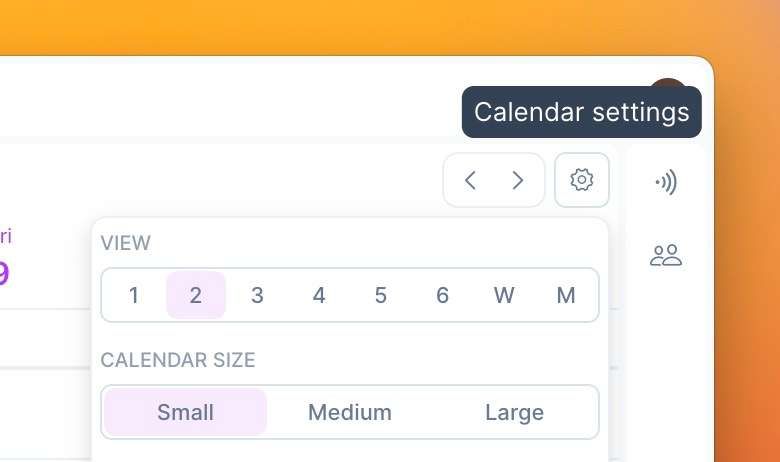
Calendar Densities

  • Quickly customize the amount of information displayed in your calendar by clicking on the ⚙️ icon and picking your calendar size.
    Screenshot 2023-06-09 at 10

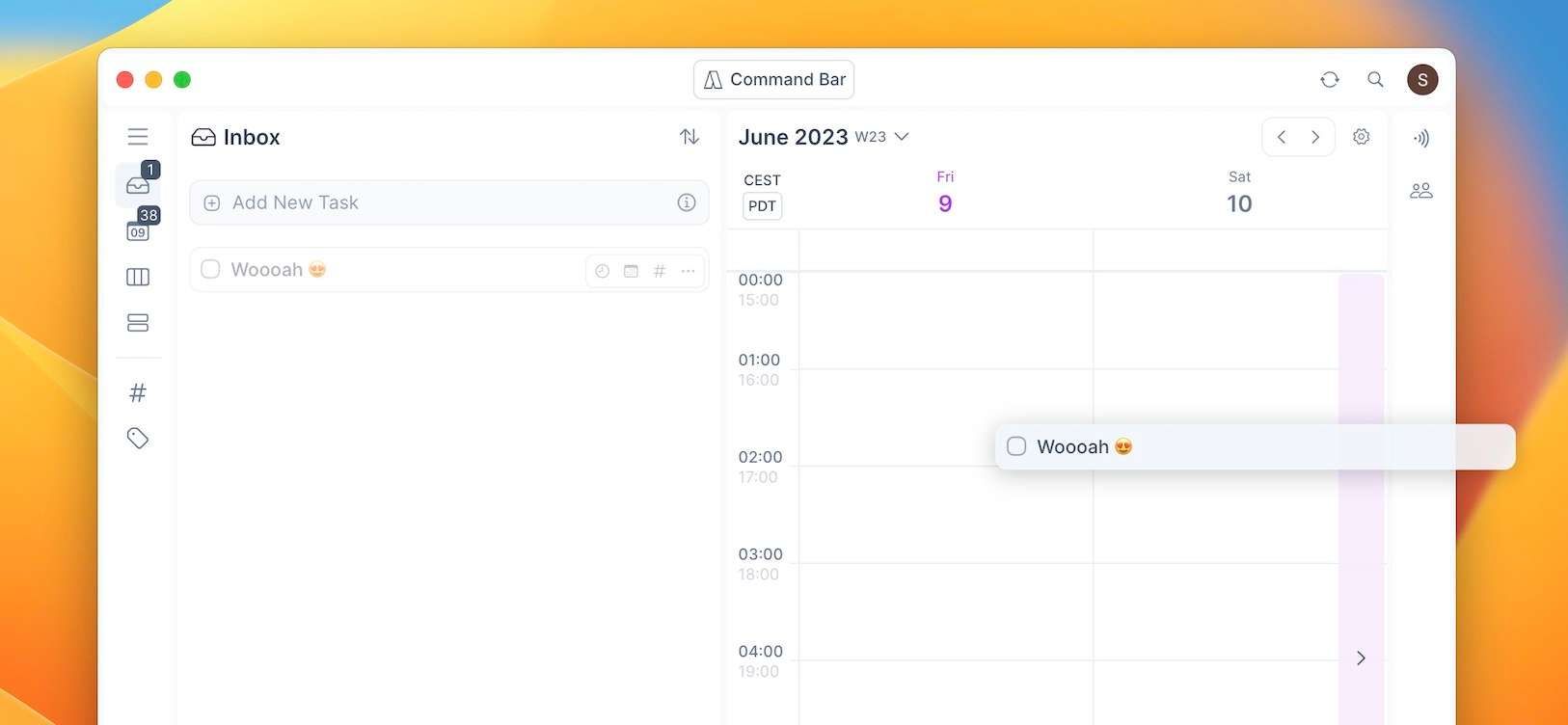
Drag elements to next/prev view on calendar

  • Drag your tasks/events to the right or left side of the calendar to switch views, making replan super easy.
    Screenshot 2023-06-09 at 10

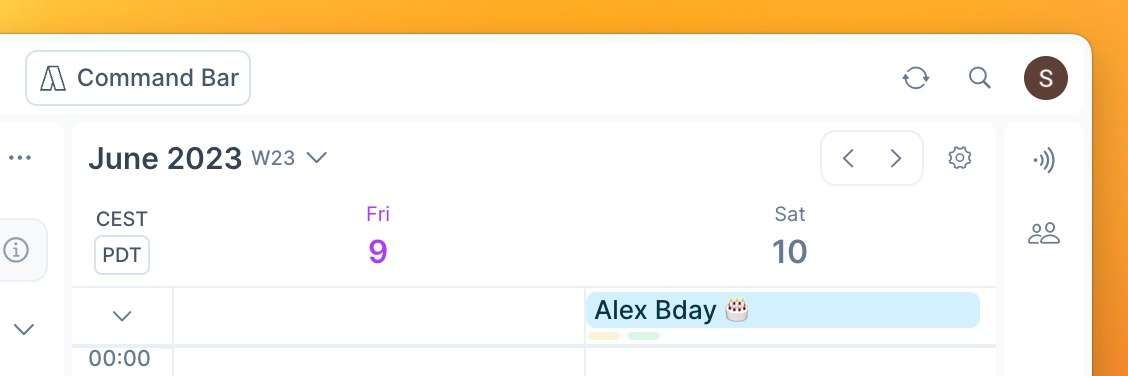
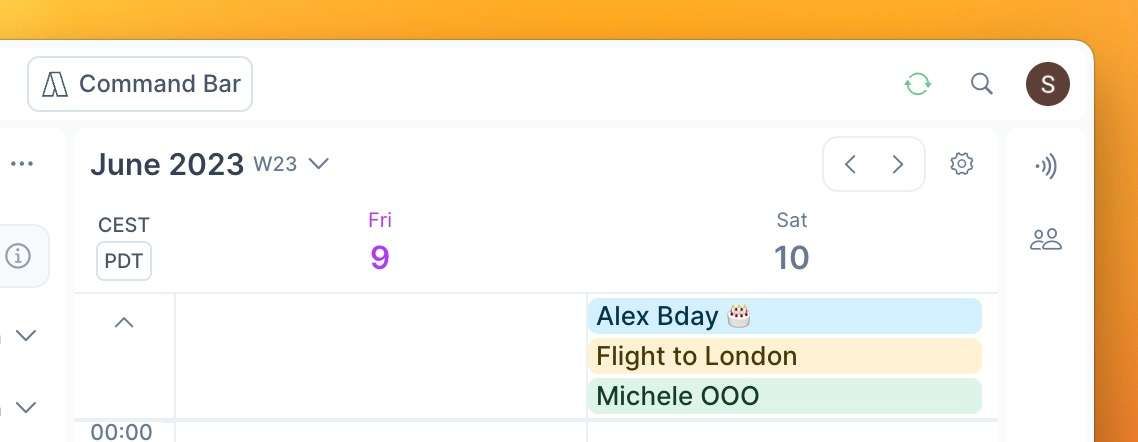
All-day event area collapsable

  • You can now see all your all-day events in your calendar and have more visibility on what is hidden.
    Screenshot 2023-06-09 at 10
    Screenshot 2023-06-09 at 10

Monthly view more readable

  • We changed all elements' colors and spacing, making this view easier to use!

Review Calendar Sync

  • Your sync with Google Calendar is stronger than ever ✨

⭐️ General UI/UX improvements

Our top priority will always be improving your experience, which goes with small but powerful changes.

Menu

  • As many asked, 🏷️ Tags are now all visible in the menu.

  • Cleaner UI

Settings sync

  • ☀️ Show Planning Ritual only once every morning even if you use Akiflow on different devices

  • We had some issues in the past month with auto-reset of some settings, this won't happen again

General

Akiflow is now easier to read. The task title's text is more visible, and the sections of the app are separated by a light grey layout 🖼️