Asana
You can keep track of all your projects on Asana directly from Akiflow.
How to integrate with Asana
Go to Settings → Integrations → And click on Asana!
Hit on Connect
Add your projects
Configure your import options
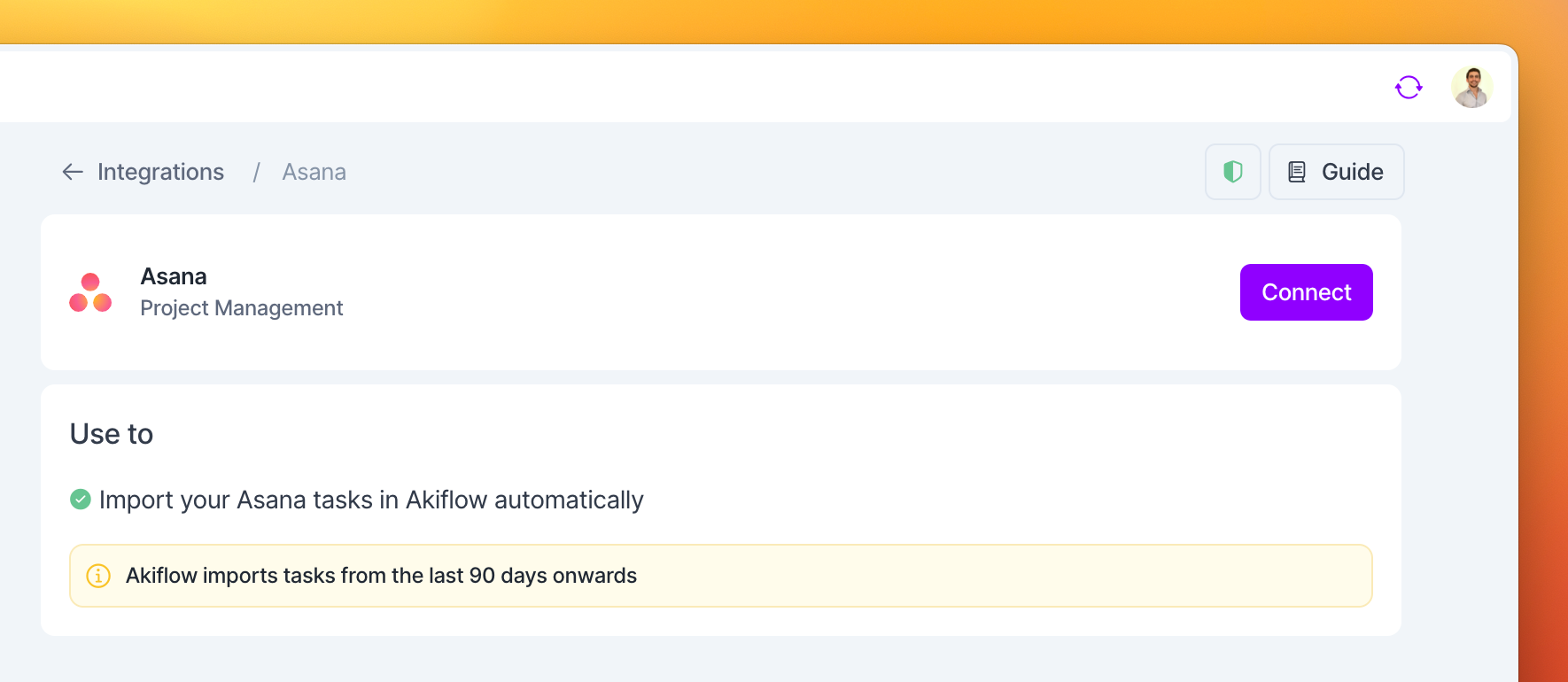
Setting up your import options
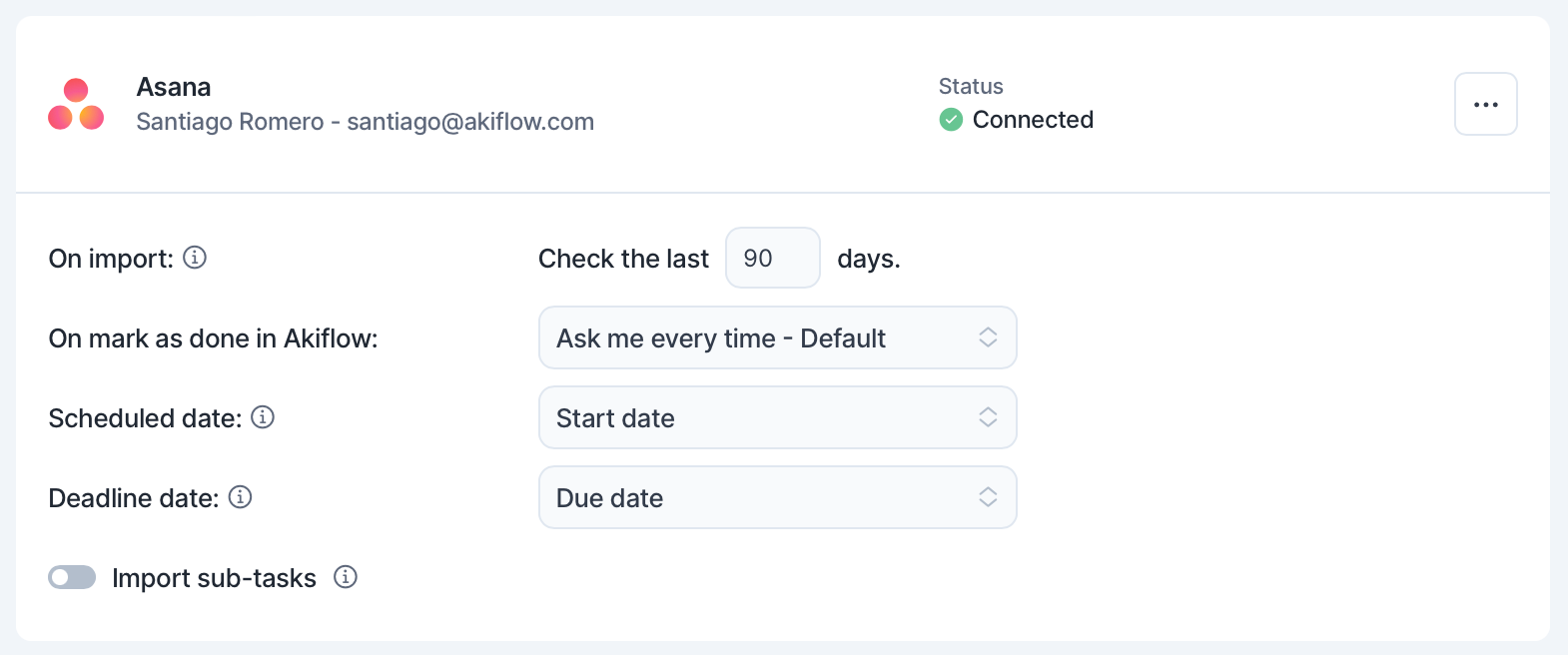
Once you have connected your Asana account, you can:
Decide how many days in the past you want to import your tasks from
Select a Scheduled date to plan automatically your tasks for their start date or due date
The
Start Datefield is available only for Asana premium plans.
Define the behavior on the mark as done of your tasks imported from Asana
Import subtasks as Akiflow tasks
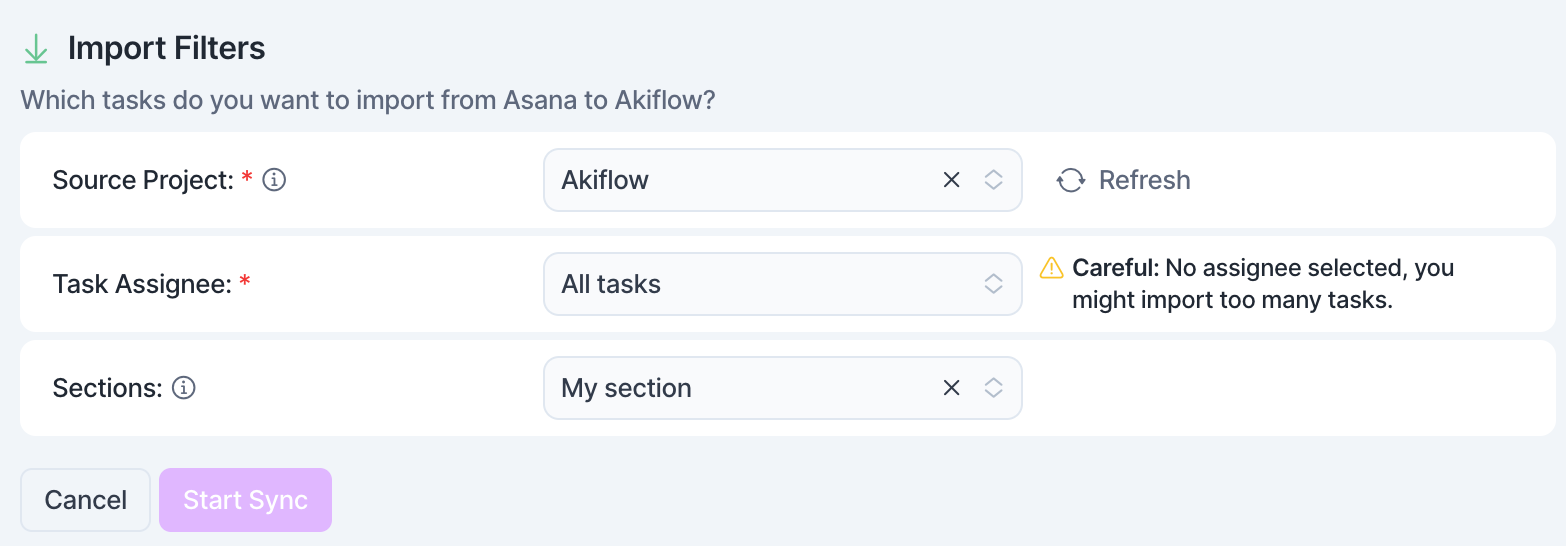
How to configure your Asana Projects in Akiflow
You can choose which projects to import, and for each of them:
To import only tasks assigned to you, or import all tasks.
Select the sections of your projects you want to import from
Pro tip: If you accidentally import too many tasks, you can multi-select your tasks to take bulk actions!
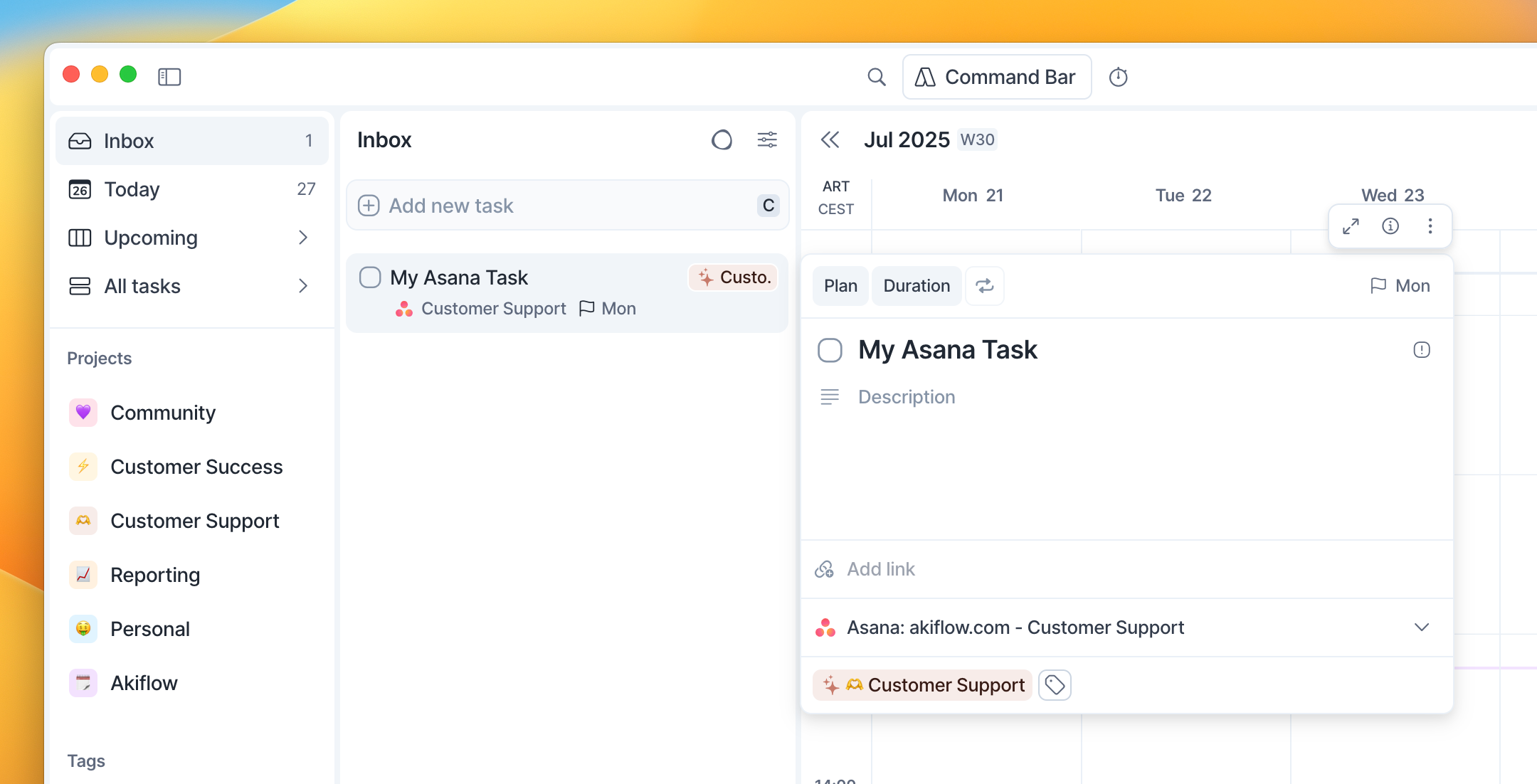
Tip: Hit O as Open on a selected task to be redirected to your Asana task
FAQ
Can I connect more accounts?
Can I connect more accounts?
You can connect as many Asana accounts as you want!
What happens when I complete an Asana task in Akiflow?
What happens when I complete an Asana task in Akiflow?
A popup will appear with the following options:
Mark as done in Asana
Go to Asana
Do nothing
We will remember your choice if you select that option!
I imported too many tasks, what can I do?
I imported too many tasks, what can I do?
Pick which Asana tasks to delete:
Multi-selecting tasks and hit
backspace→ How to bulk edit tasks
Delete all your tasks
Go to Settings → Integrations → Connected → Asana
Click on the button Delete all imported tasks. This action will delete all the tasks imported so far from Asana in Akiflow. Nothing will happen to your source tasks in Asana.
To disconnect your Asana account, click on Disconnect Integration from the dropdown menu in the top-right corner.
Reconnect Asana by going back to Integrations → Add Native Integration → Asana
Start from scratch
Click on the option Reset integration. This action will delete all the tasks imported so far from Asana in Akiflow and then re-import them again according to the new import options. Nothing will happen to your source tasks in Asana.
When I delete a task on Akiflow, what happens to my Asana tasks?
When I delete a task on Akiflow, what happens to my Asana tasks?
When you delete a task on Akiflow, nothing happens to the source task in Asana.
How are Asana and Akiflow synched?
How are Asana and Akiflow synched?
Akiflow and Asana are 2-way synched.
Any changes you make in Akiflow to the task's title, planned date, deadline, and status (done/undone) will be reflected on Asana and the other way around!
Can I automatically assign imported Asana tasks to a specific project?
Can I automatically assign imported Asana tasks to a specific project?
Imported Asana tasks don’t include project information, and we don’t support automatic project assignment during import.
Alternatives:
Let Aki assign a default project automatically
Manually add projects after import
Bulk-edit tasks to assign projects quickly using the
Hold cmd/crtl + Select specific tasks + *shortcut.
If I disconnect a specific Asana project, what happens to the tasks already imported into Akiflow?
If I disconnect a specific Asana project, what happens to the tasks already imported into Akiflow?
Disconnecting a specific Asana project will stop future tasks from being imported from that project, but it will not delete any tasks that have already been imported into Akiflow.
All previously imported tasks will remain in your Akiflow workspace, and you can manage or delete them manually if needed.
Can I sync all my Asana tasks assigned to me automatically?
Can I sync all my Asana tasks assigned to me automatically?
Akiflow's Asana integration works on a project-by-project basis, so you'll need to connect each project you want to sync individually.
Once a project is connected, tasks will be imported according to the sync settings you choose. For example, you can import only tasks assigned to you, but this is optional and not the only available sync criteria.
At the moment, Akiflow cannot sync all tasks from Asana's Assigned to Me view globally without connecting the relevant projects first.
Was this helpful?
Still need help? Ask the team