Focus Mode
Focus Mode helps you concentrate on one task, event or time slot at a time.
How do I open Focus Mode?
Focus Mode works on tasks, events and time slots.
Select a task, event or time slot and press
F.Or open its popup and click the Focus mode button.
To leave, press Esc, Cmd Shift F on Mac (Ctrl Shift F on Windows), or click X (Save and close).
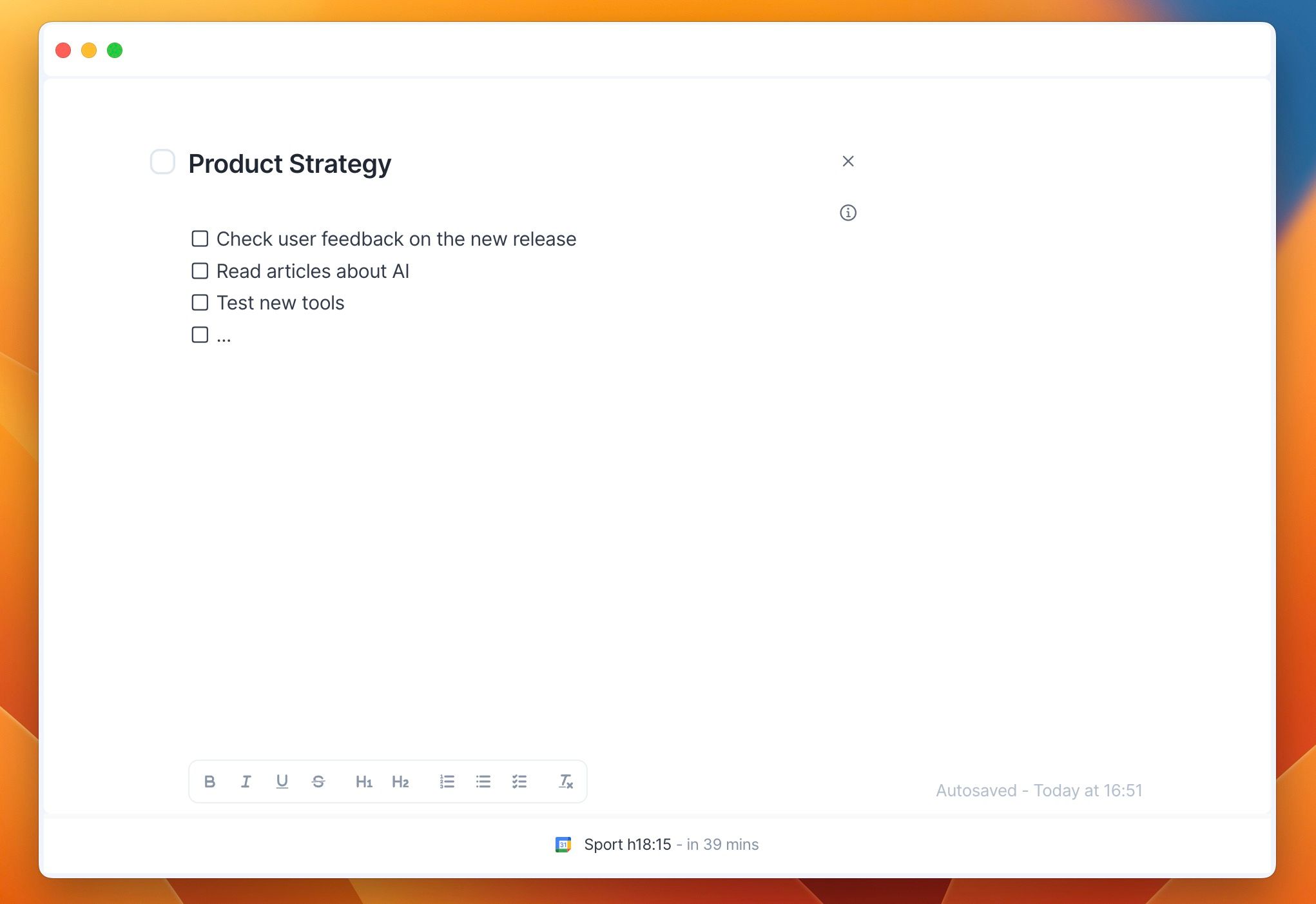
What you see
Task: the title and description. Click Show sub tasks to see the subtasks, then click one to open it in Focus Mode.
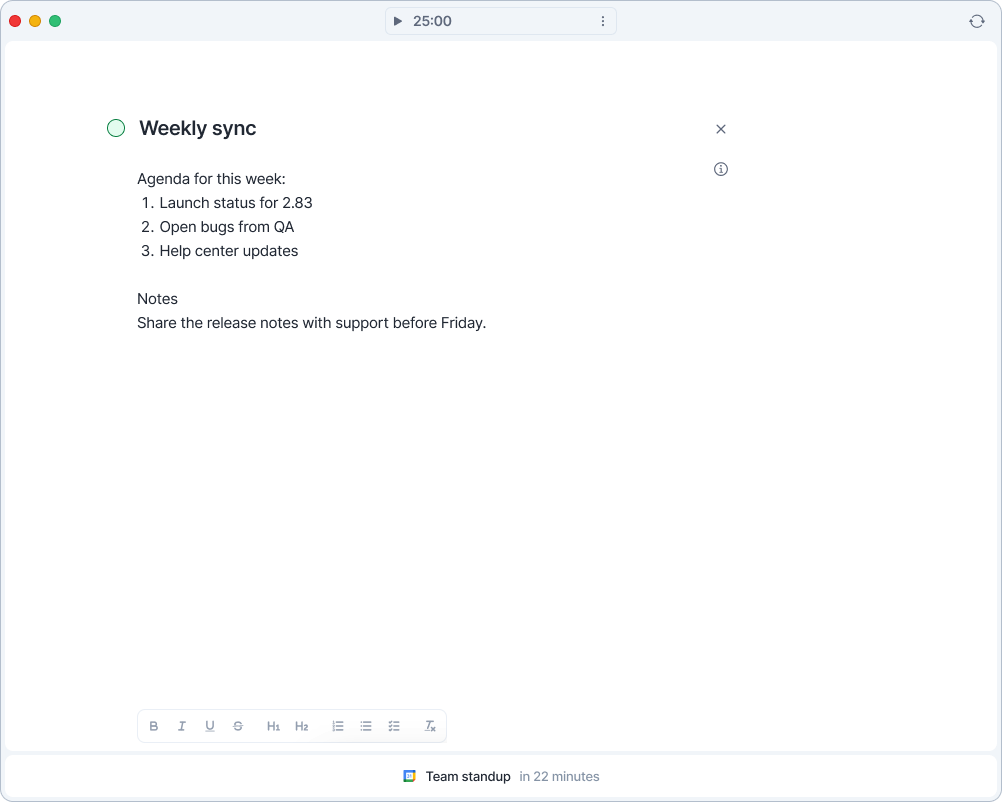
Event: the title and description. You can edit the description, except on events from a calendar you can only view.
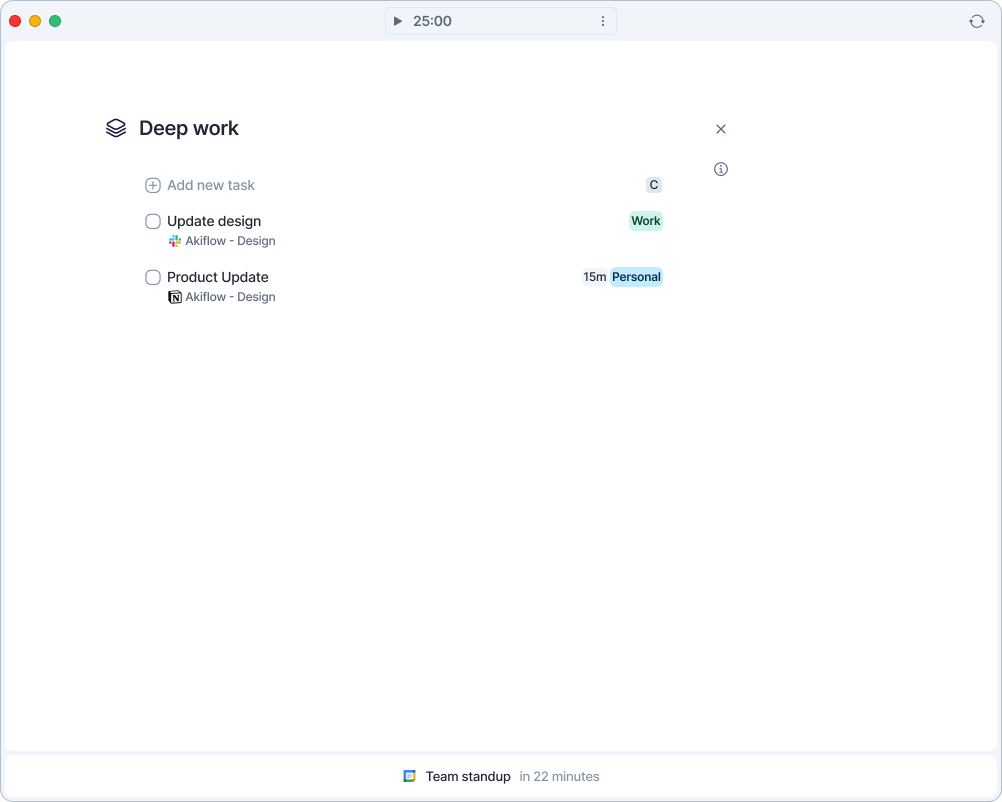
Time slot: the slot title, an Add new task field that adds tasks straight into the slot, and the slot's task list, where you can tick tasks off.
Features
Your changes save automatically.
Click the i button to see and edit the item's details.
Hover over the right side of the screen to show your calendar.
The bar at the bottom shows your next task or event and how long until it starts.
Press
Tto go back to Today orIto go back to Inbox.
Need help?
Reach out to our team at support@akiflow.com. We're happy to help!
Join our community to ask questions, share your workflow tips, and connect with other Akiflow users who can help you get even more out of Akiflow.
Was this helpful?
Still need help? Ask the team