Todoist
Manage all your Todoist tasks seamlessly inside Akiflow with fast sync and a unified workflow.
How to integrate with Todoist
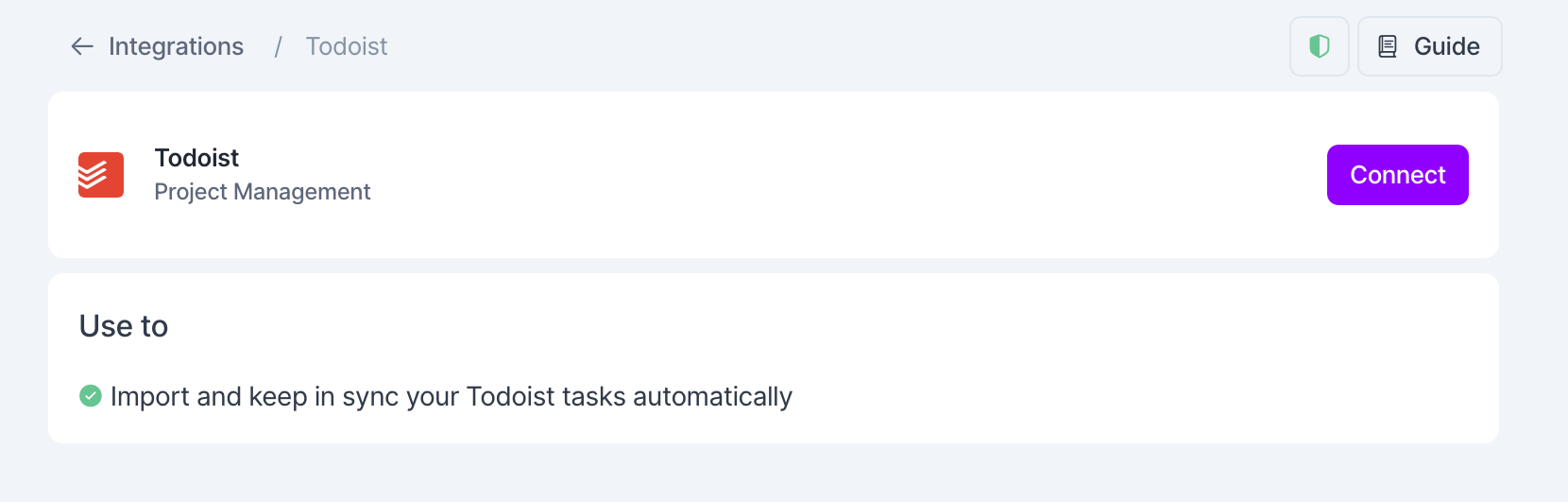
Go to Settings → Integrations → And click on Todoist!
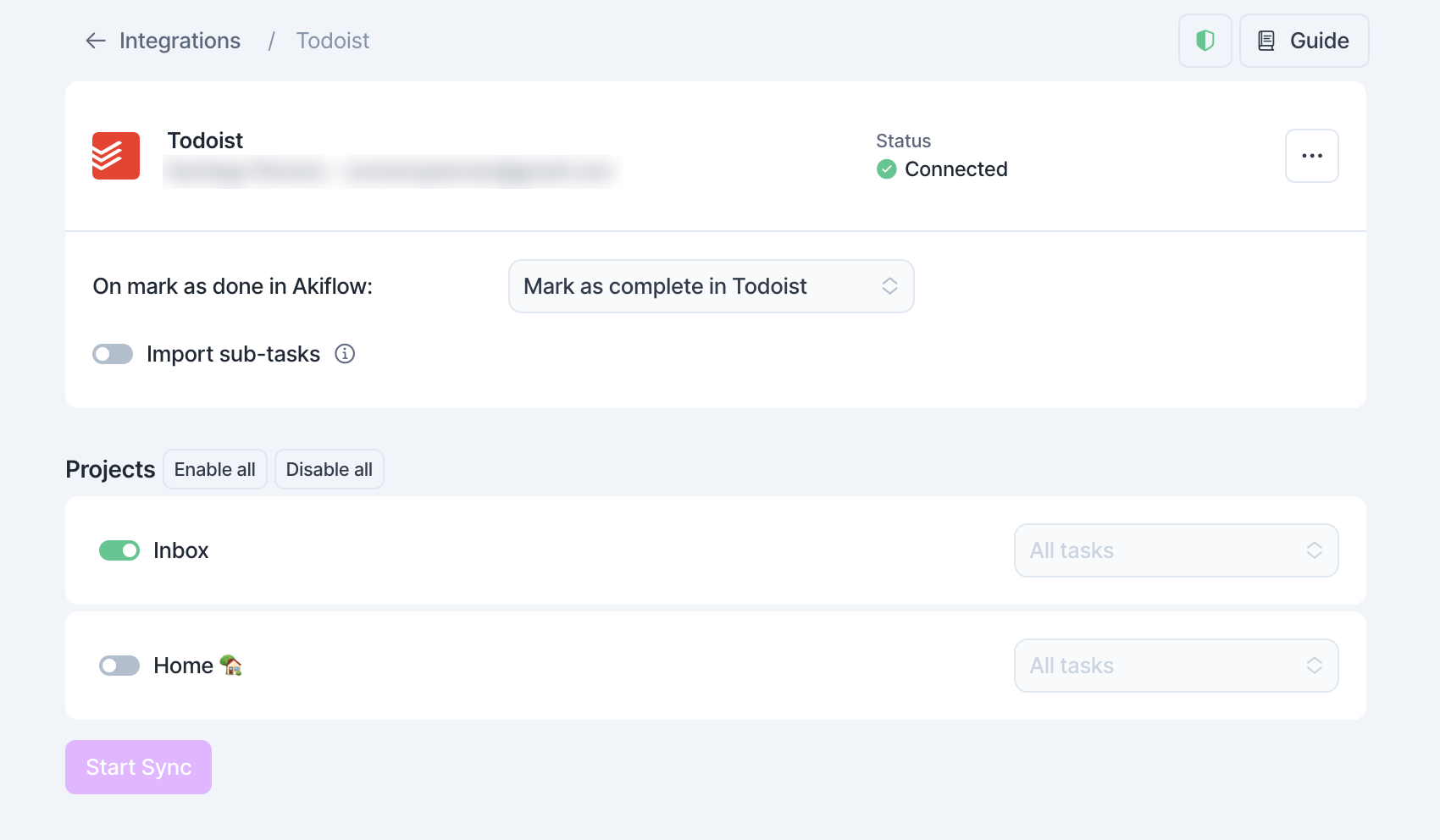
What does Akiflow import from Todoist?
You can choose:
Which projects to import. New projects you create in Todoist are imported automatically, and you can turn any project off.
For shared projects (marked with a two-people icon), import only tasks assigned to you or all tasks. Shared projects start on "Tasks assigned to me". Personal projects always import all tasks.
Whether to import sub-tasks as Akiflow tasks.
Pro tip: if you accidentally import too many tasks, you can multi-select your tasks to take bulk actions!
Where will my Todoist tasks appear in Akiflow?
Tasks automatically imported from Todoist will appear:
In your Inbox, if you have not already planned them in Todoist (i.e. they do not have a Date in Todoist)
Planned according to their Date in Todoist, if set.
Tip: Hit O as Open on a selected task to be redirected to your Todoist task
FAQ
Can I connect more accounts?
Can I connect more accounts?
You can connect as many Todoist accounts as you want!
What happens when I complete a Todoist task in Akiflow?
What happens when I complete a Todoist task in Akiflow?
A popup asks what should happen in Todoist:
Mark as complete in Todoist: the task is completed in both Akiflow and Todoist. On mobile, this option is called Mark as done in Todoist.
Go to Todoist: the task is completed in Akiflow and opens in Todoist, so you can decide there.
Do nothing: the task is completed only in Akiflow.
You can ask Akiflow to remember your choice so it stops asking. To change it later, go to Settings → Integrations, click your Todoist account and pick an option under On mark as done in Akiflow. Choose Ask me every time to see the popup again.
Un-completing a Todoist task in Akiflow doesn't reopen it in Todoist.
I imported too many tasks, what can I do?
I imported too many tasks, what can I do?
Pick which Todoist tasks to delete:
Select the tasks and press
Backspace→ How to bulk edit tasks
Delete all your tasks
Go to Settings → Integrations, click your Todoist account and open the … menu.
Choose Delete all imported tasks and type "Yes" to confirm. This deletes every task imported from that Todoist account, including completed ones, and they can't be recovered. They won't be imported again unless you use Reset integration. Nothing changes in Todoist.
Start from scratch
In the same … menu, choose Reset integration. This deletes every task imported from that Todoist account, including completed ones, and they can't be recovered. Akiflow then imports your open Todoist tasks again, using your current import options. Nothing changes in Todoist.
When I delete a task on Akiflow, what happens to my Todoist tasks?
When I delete a task on Akiflow, what happens to my Todoist tasks?
When you delete a task in Akiflow, nothing happens to the task in Todoist.
It works differently the other way around: if you delete a task in Todoist, it moves to the Trash in Akiflow.
What happens when I am unassigned from a task in Todoist that has already been imported into Akiflow?
What happens when I am unassigned from a task in Todoist that has already been imported into Akiflow?
If a task has already been imported into Akiflow, it stays in Akiflow even if you're unassigned from it in Todoist. From then on, it no longer gets updates from Todoist.
The same happens to tasks from a project you stop importing.
How does Akiflow behave with recurrent tasks from Todoist?
How does Akiflow behave with recurrent tasks from Todoist?
When you complete a recurring Todoist task, in Akiflow or in Todoist, the task you completed stays in Akiflow as done, so you can track your work. A new task appears for the next occurrence and stays synced with Todoist. Details that exist only in Akiflow, like tags or a time slot, stay on the completed task.
If you complete it in Akiflow and choose not to mark it complete in Todoist, the next occurrence appears once you complete it in Todoist.
If you delete a recurring task in Akiflow, it stays deleted, but its next occurrence appears after you complete it in Todoist.
Un-completing a past occurrence in Akiflow doesn't change Todoist.
How are Todoist and Akiflow synched?
How are Todoist and Akiflow synched?
When you create a task in Todoist, it appears in your Akiflow Inbox, or on its date if it has one.
Changes to a task's title, description, date, time, duration, priority and deadline sync both ways between Akiflow and Todoist.
Completing works like this:
From Todoist to Akiflow: completing or reopening a task in Todoist does the same in Akiflow.
From Akiflow to Todoist: completing a task updates Todoist only if you choose Mark as complete in Todoist (see "What happens when I complete a Todoist task in Akiflow?"). Un-completing a task in Akiflow doesn't reopen it in Todoist.
Recurring tasks work differently. See "How does Akiflow behave with recurrent tasks from Todoist?".
Do you support Todoist Deadlines?
Do you support Todoist Deadlines?
Yes, Akiflow and Todoist deadlines are synced both ways for smoother task management.
Was this helpful?
Still need help? Ask the team