Meet Aki: Your Personal Assistant
Aki is an in-app personal assistant with a friendly, human-like persona. It helps you manage your tasks, check your inbox, review your calendar, and more, all within your Akiflow app (and in WhatsApp)
Aki Setup
Make sure that you have turned on Aki for your account to use it. Go to Settings > AI Center > Toggle on Aki.
Click A to chat with Aki! You will also see Aki’s icon on the bottom righthand corner of your desktop app, and on Mobile, at the daily dashboard section (Aki icon) or when creating a new task, event or time slot on your calendar (Mic icon to use voice commands with Aki).
How can I interact with Aki?
Start a conversation
Don’t stress it, send a simple message like Hi!, Aki will respond with a friendly greeting, suggesting ways it can assist you.
Language - Text
Aki supports 50+ languages, just chat with Aki!
Language - Voice
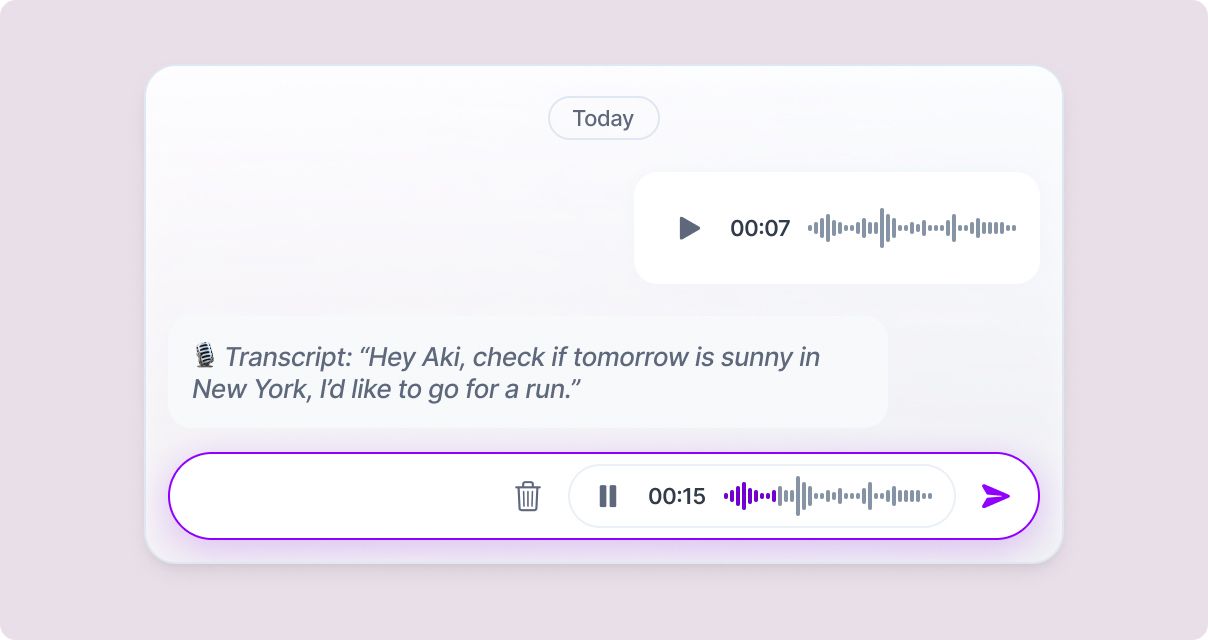
Send a voice message, Aki supports 30+ languages and will transcribe everything you say.
No need to type, ask Aki to do anything on the go!
On iOS and Android, you can also press and hold the main + button to record a request. Release your finger to keep recording, then tap Send. You can continue using Akiflow while Aki processes your request.
Sent confirms that Aki has received the recording. Tap View to open the conversation and check the result.
Voice capture requires Aki to be enabled, microphone permission, and an internet connection. See the Mobile App guide for the full steps.
Aki in the Command Bar
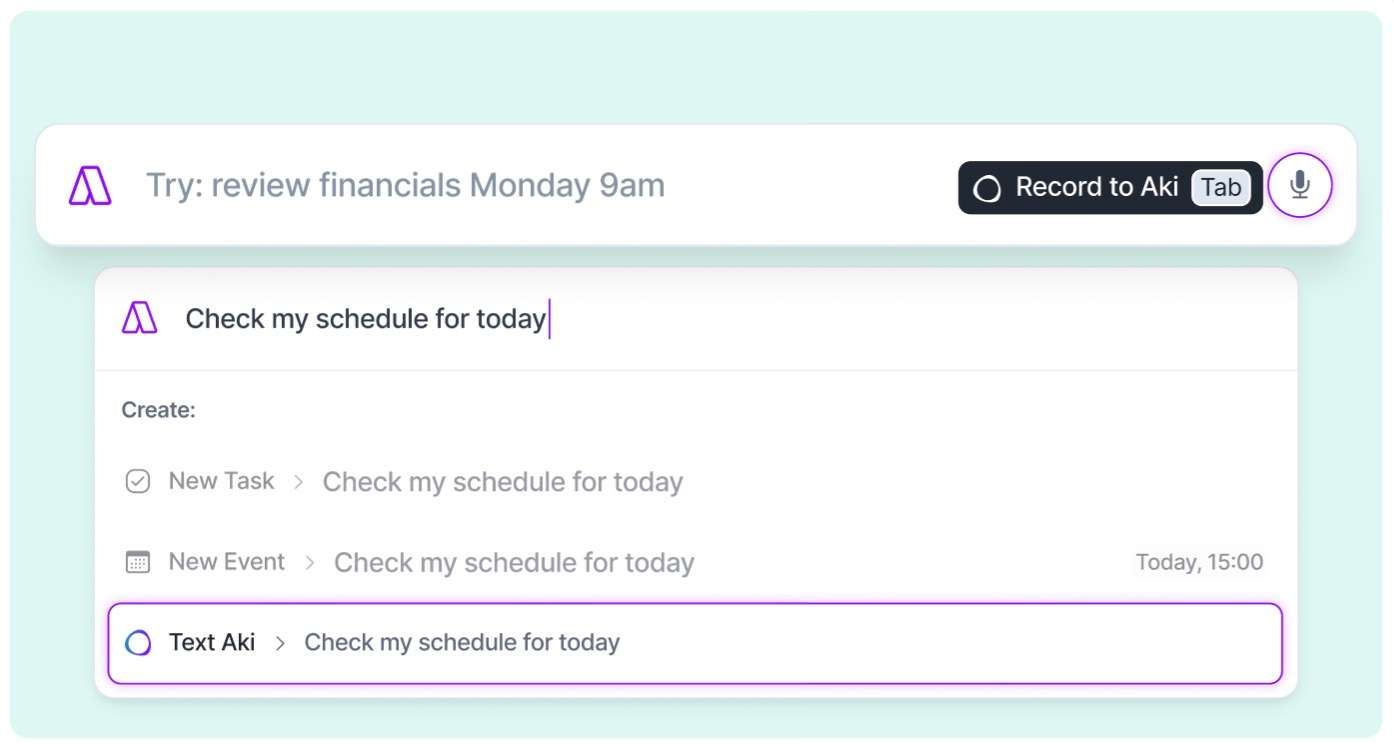
Open the Command Bar and type anything to Aki! Send the message including any shortcut and natural language recognition. Try: Create an event with @mycolleague when we're both free next Friday. You will have to choose the option Text Aki.
Talk to Aki from the Command Bar
Record a message to Aki straight from the Command Bar:
Open the Command Bar from anywhere
Hit Tab to speak
Hit Enter to send
Send an email to Aki
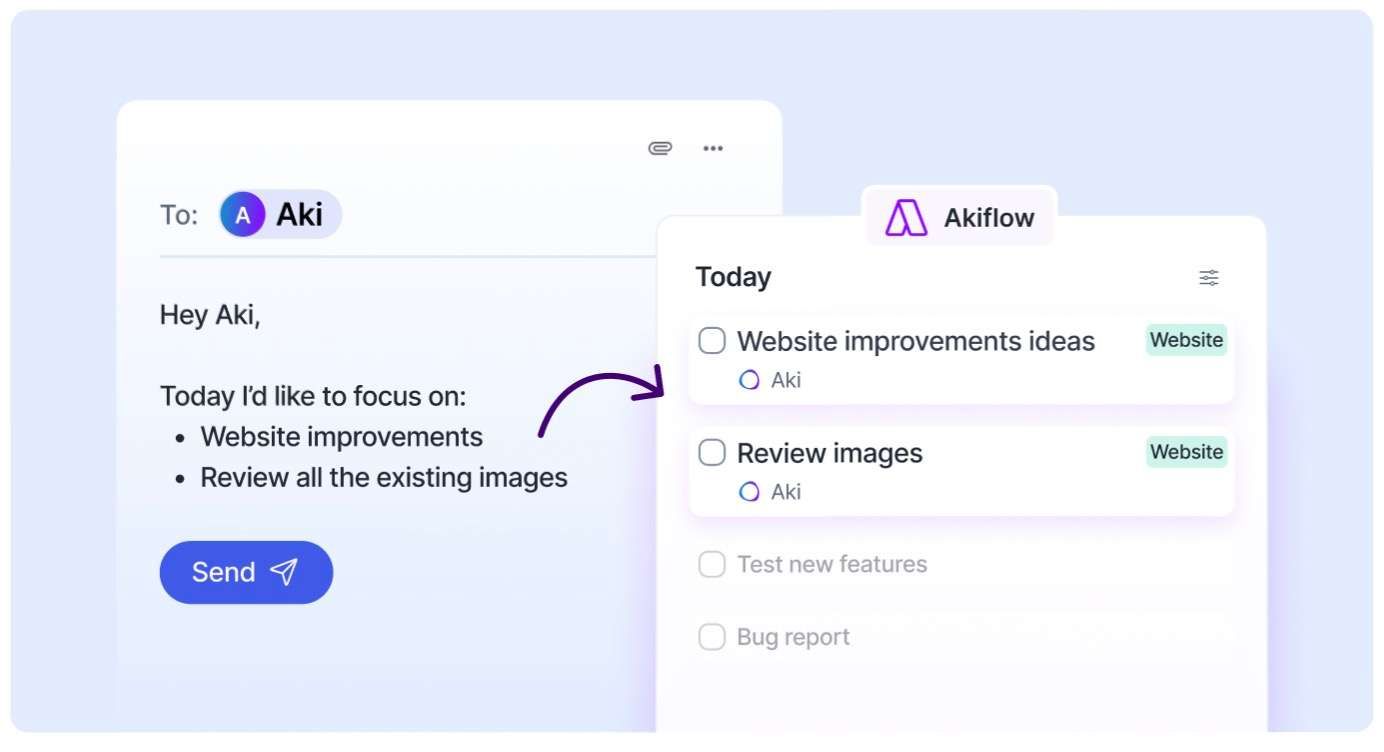
Aki can create tasks and events directly from your email. You can even do cool things like forwarding a flight confirmation, or any message with dates and details. Aki will recognize the information and automatically create the corresponding event or task in your Akiflow.
Go to Settings → AI Center → and connect your enables addresses. Once done, you will be able to reach out to aki@akiflow.com directly from the email accounts you have enabled.
Note: Aki Email only processes emails where the Aki address is the primary recipient (To field). It does not process emails where Aki is added as CC or BCC.
Aki on WhatsApp
Stay connected with Aki directly from WhatsApp, perfect for when you’re on the go.
Once Aki is enabled on your account, you can message it through WhatsApp just like you would inside Akiflow. You can create and edit tasks or events by simply typing or sending a voice note, check your schedule or inbox without opening the app, and ask Aki to reschedule, mark tasks as done, or show your priorities right from your chat.
To connect Aki on WhatsApp, open Settings → AI Center → Aki on WhatsApp and add your phone number. You will receive an activation code that you can enter on the same page to complete the setup. Once connected, say hi to Aki on WhatsApp and it will greet you and be ready to assist.
Siri meets Aki
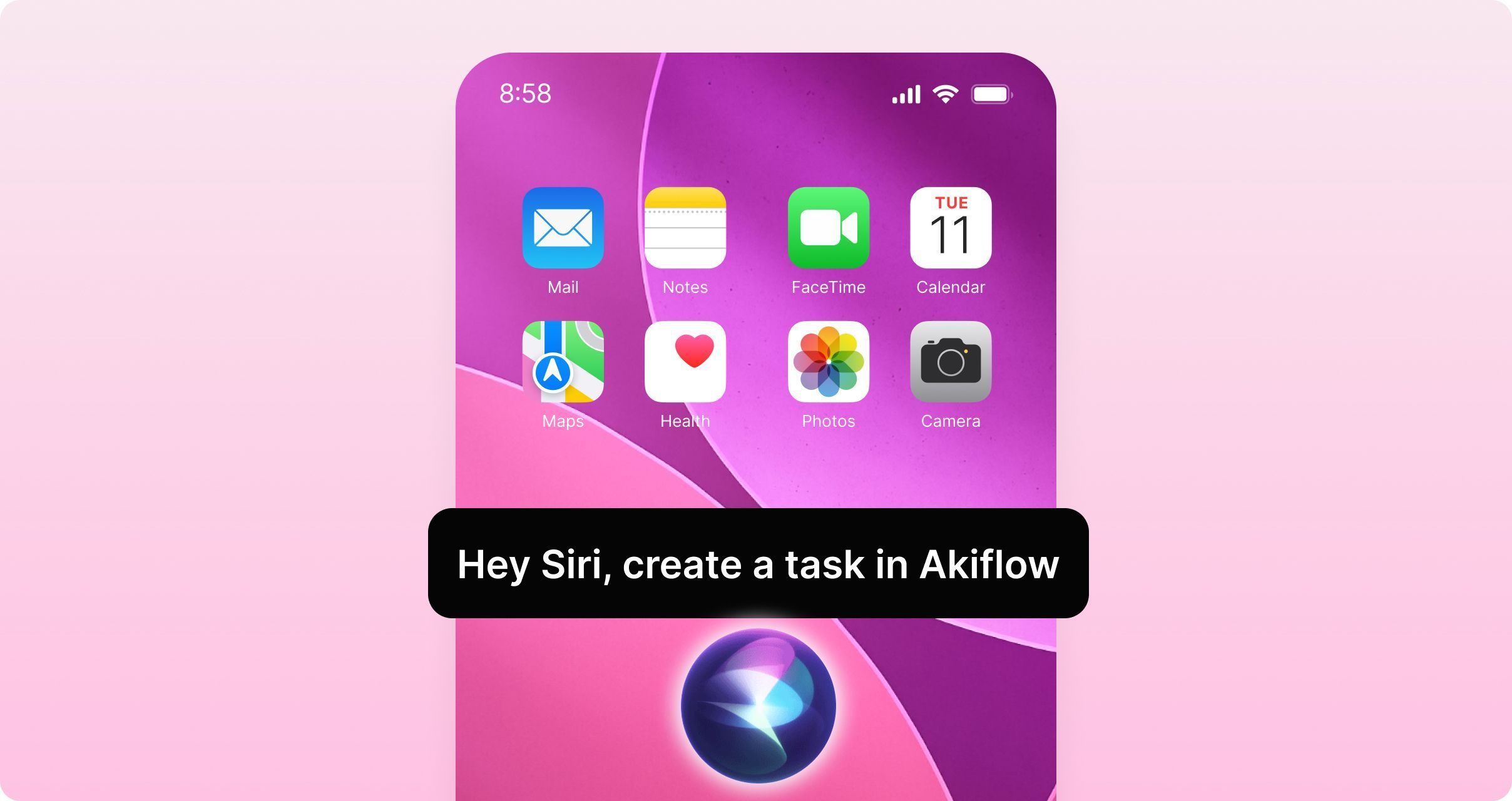
Siri integrates seamlessly with Aki, allowing you to create tasks and events hands-free with natural language. This upgrade brings the power of Aki's intelligence to voice commands, making it easier than ever to capture tasks and schedule events while you're on the go, driving, or multitasking.
How to use:
Hey Siri, create a task in Akiflow
Hey Siri, use Akiflow, please add a task in my inbox called Review Report assigned to my Marketing project
Hey Siri, use Akiflow Assistant, create an event for tomorrow 10am called Running Session
Aki will understand your request and add it to your workflow.
Setup required & considerations
Enable Akiflow for Siri in your iOS settings
For now, this feature is only available in english
Siri may occasionally trigger the wrong app when you first start using this feature. The more you use Akiflow with Siri, the better it performs as Siri learns from your usage patterns.
For consistent performance, use a two-step command: say Use Akiflow or Use Akiflow Assistant first, then state your request.
FAQ
Does Aki have limitations?
Does Aki have limitations?
Recurring Events: Aki can't create recurring events as for now, but you can change single instances of existing ones. Meaning it will just change one element of the series (the same as choosing only this when editing a recurring event). This can be applied to multiple instances, but not to the entire series, or to all future events
Projects and Tags: Aki currently does not have the possibility of creating Projects or Tags but it can assign existing Projects and Tags to your tasks and time slots.
Someday List: Aki currently does not support Someday tasks.
Automations: Currently, automations can't create other automations.
Week & Month Planning: Aki currently doesn’t support scheduling tasks for a specific week or month timeframe.
Events: For now, events creation will work only on the primary calendar of each of the calendar accounts connected. Aki will not be able to create events on sub calendars, but it will be able to edit them.
Is there an Apple Shortcut to message Aki?
Is there an Apple Shortcut to message Aki?
Yes, you can open or talk to Aki directly using Apple Shortcuts.
You can also add it as an icon on the screen, or a Shortcut in the Control Center
Aki is taking too long to reply
Aki is taking too long to reply
Slowness is typically caused by the underlying LLM being slow. This is something that we're looking to improve moving forward. Performance and user experience are two of the main things we are working on and are working hard on to improve.
How does Aki know where I am? When did I give it my location?
How does Aki know where I am? When did I give it my location?
Currently we don’t geolocate the user neither using GPS, nor IP location (or in any other way). The location is inferred by what Aki knows about you (it’s part of the memory feature and it may be related to previous interactions you had with it), or other information present in the tasks/events (e.g. if they mention a location).
Can I still use my custom Aki Email instead of aki@akiflow.com?
Can I still use my custom Aki Email instead of aki@akiflow.com?
Aki custom emails were included in the initial release of this feature and were discontinued on February 14, 2026. The only email address for contacting Aki today is aki@akiflow.com.
Is Aki included in my Akiflow plan?
Is Aki included in my Akiflow plan?
Yes! Aki is included in all Akiflow plans, so there's no need to purchase a separate add-on or upgrade to access it.
Once you have an active Akiflow subscription, you can enable Aki from Settings → AI Center and start using it to manage tasks, events, inbox items, and more.
Was this helpful?
Still need help? Ask the team