Switching from Sunsama to Akiflow
A practical guide to map Sunsama daily planning to Akiflow. Set up rituals, connect integrations, and migrate your backlog.
What stays the same
A daily plan built from triage + scheduling
A calendar/schedule view where you time-block work
A central list of unscheduled tasks (Inbox)
End-of-day wrap-up
What’s different (Sunsama → Akiflow)
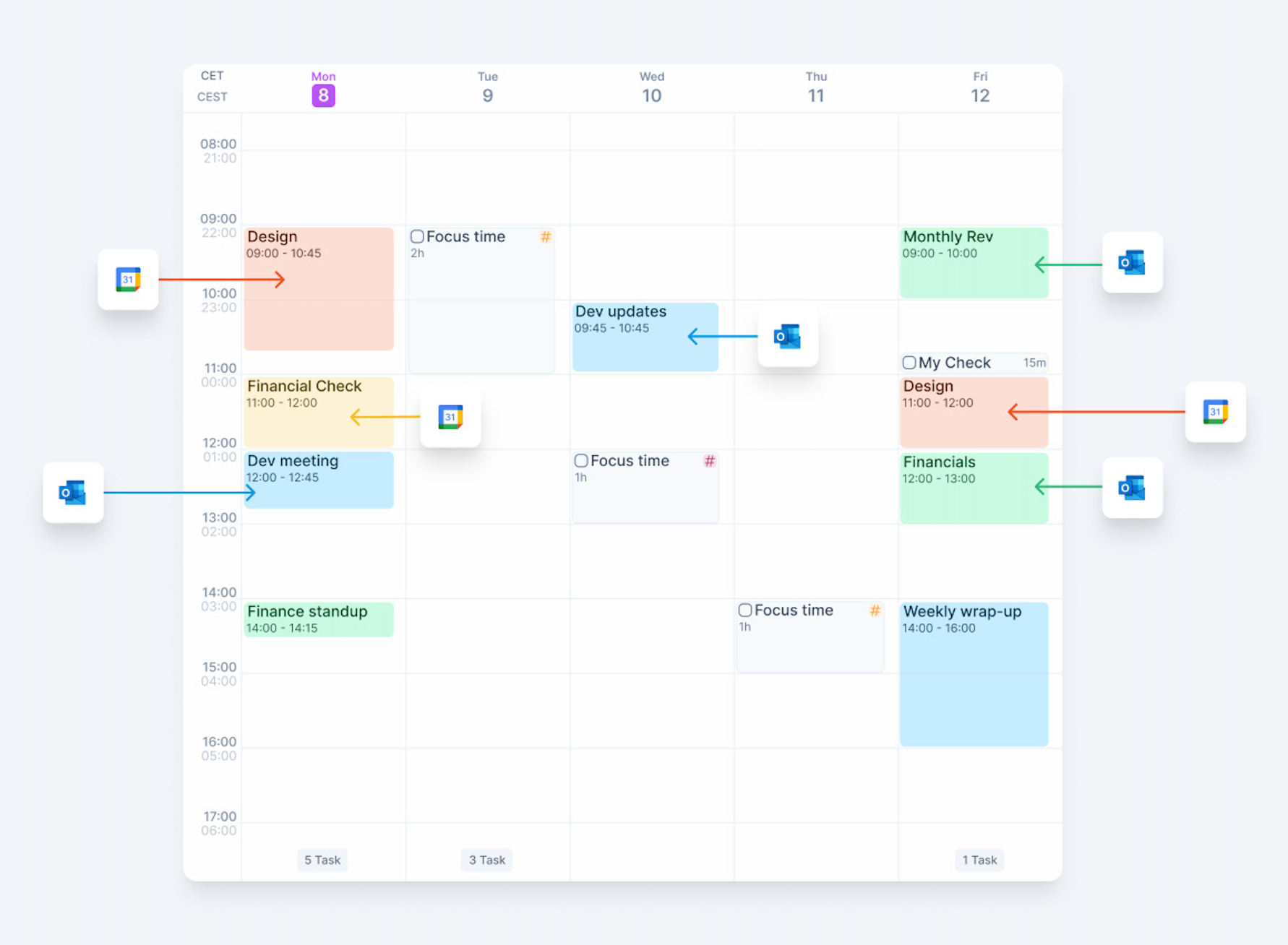
Integrations that import tasks feed your Inbox. Connected calendar events appear in your calendar.
Channels/contexts become Projects and Tags in Akiflow (for categorizing work)
The Daily Plan becomes your calendar/schedule view (Today Page)
Carryover is manual: tasks stay in Today until you complete them; if you don’t finish, reschedule or move them back to Inbox or Someday. If not, they will still appear in your Today section as Overdue.
Rituals replace the guided daily setup
Quick setup
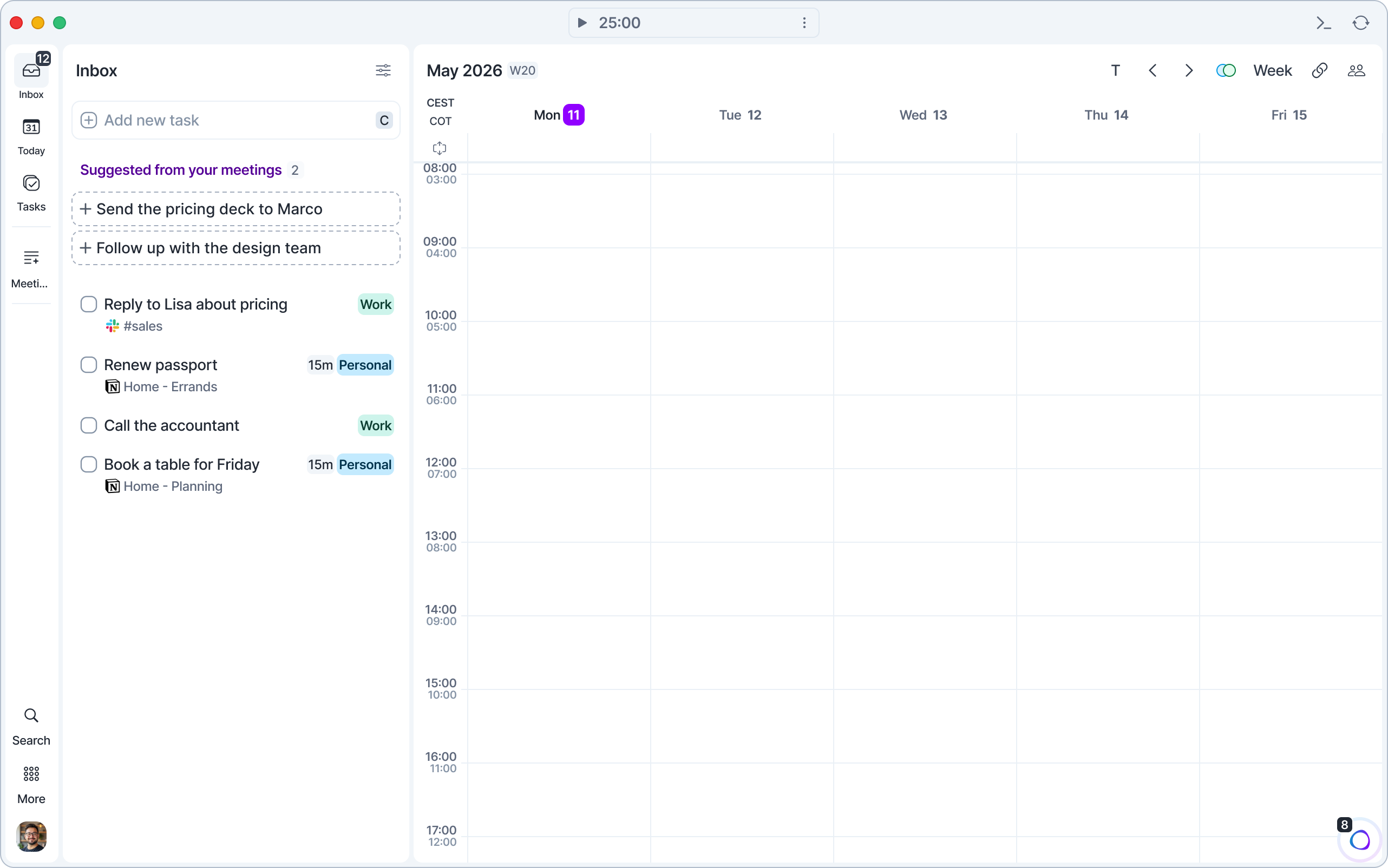
Connect your calendar(s). Akiflow uses your calendar as the backbone of your day. Open Settings → Calendars → Add calendar and choose Google Calendar, Outlook Calendar, or iCloud Calendar. For iCloud, you’ll need your Apple Account email and an app-specific password.
Connect your sources (Sunsama integrations/panels → Akiflow integrations). Connect Gmail, Slack, Linear, Jira, Asana, Notion, Todoist, GitHub, Trello, ClickUp, and any other tools you used in Sunsama in Settings → Integrations.
If you relied on Channels/contexts in Sunsama, create Projects and Tags in Akiflow to mirror them.
Set up your Morning Ritual

Open More → Rituals → Daily Planning in the menu on the left (see Rituals). Review your Inbox, choose what to do today, estimate durations, and schedule tasks onto your calendar.
Add a short buffer slot for planning to avoid overbooking.
Set up an Evening Shutdown ritual
Run Daily Shutdown (More → Rituals → Daily Shutdown) to:
Move unfinished tasks to the next day or Someday
Capture loose thoughts into Inbox
Confirm your first block for tomorrow
Daily planning in Akiflow (Sunsama-style)
Start with Inbox:
Review what arrived overnight
Decide what you’ll do today
Estimate duration
Schedule tasks onto your calendar
Then work from your Today view.
Backlog migration
Prune your Sunsama backlog first: archive/skip anything you won’t actually do.
Bring only the meaningful tasks into Akiflow via Inbox (integrations or Command Bar).
Apply Projects and Tags so you can filter work later.
Schedule only what fits realistically today; keep the rest in Upcoming/Someday (both in the Tasks panel).
Use Inbox to triage new stuff and only move items into Today when you’re ready to plan them. Everything else stays in the Inbox or in Someday.
Need help?
Reach out to our team at support@akiflow.com. We’re happy to help! Join our community to ask questions, share your workflow tips, and connect with other Akiflow users who can help you get even more out of Akiflow.
Was this helpful?
Still need help? Ask the team