AI Project Assignment
Aki automagically assigns your projects to your tasks!
How does it work the magic happen?
Aki will now assign your projects to your tasks automatically! Your personal model learns from the tasks already assigned to that project to assign new tasks to that project for you.
Your AI keeps learning. The more you use Akiflow, the smarter it gets. Aki will only assign projects with high accuracy. We want to be sure to assign the right one!
If your tasks are updated, Aki will automatically recheck them to ensure project assignments remain accurate and make adjustments if needed.
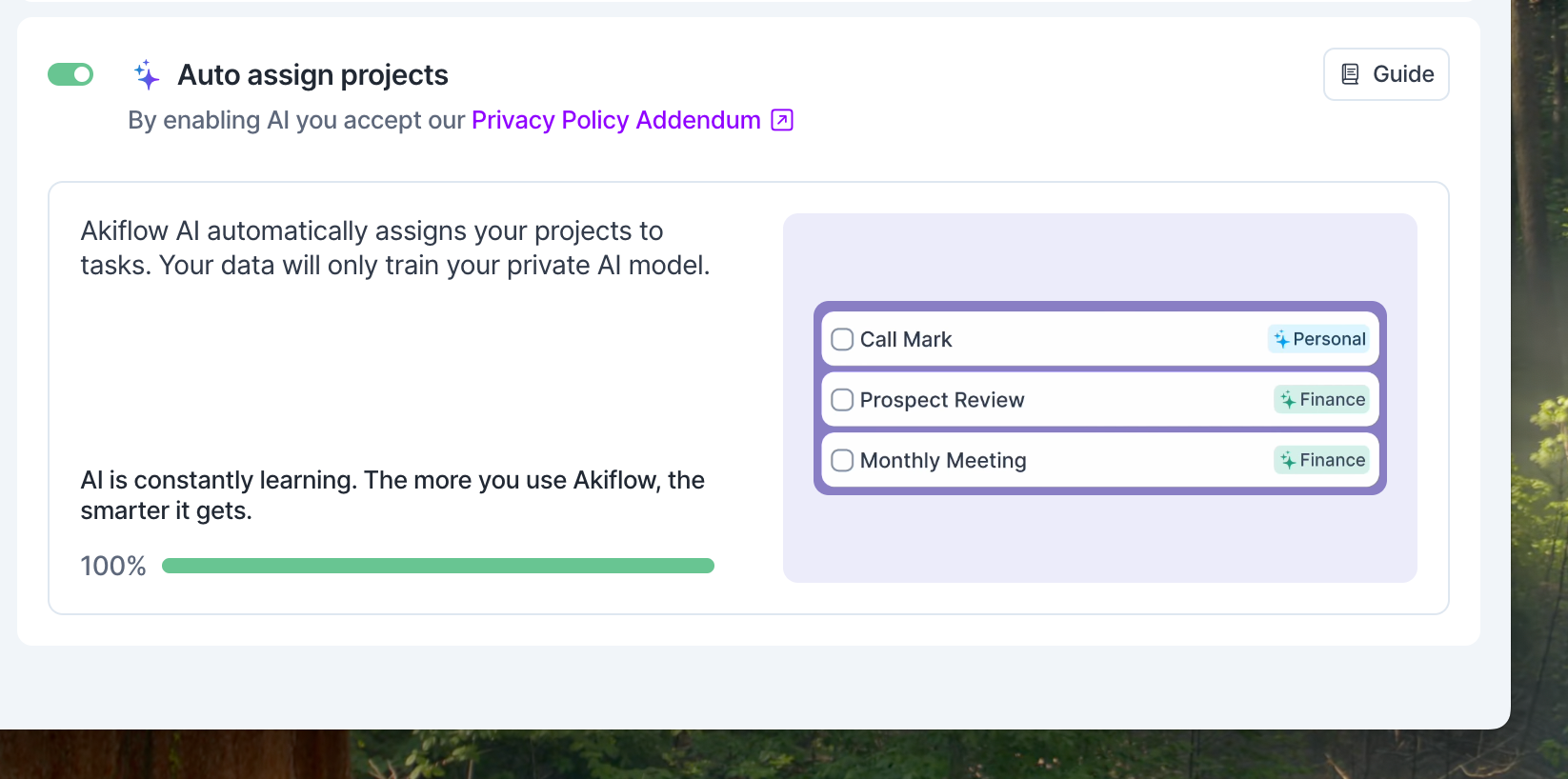
Aki can only assign existing projects. It will not create new ones automatically.
Why is this feature so cool?
Organizing and Planning your tasks has never been easier!
Projects not only help you organize your tasks but can also be the first step to design your perfect week!
Use Time Slots: drag a project from the Tasks panel, or a pinned project, onto the calendar to create a Time Slot for it. Let Akiflow auto-assign projects for you to all your tasks and easily move your tasks to the designed slot in the calendar using the shortcut P.
Your calendar will be colourful and easy to read and adjust when needed.
Is my data safe?
Your data safety is our first priority, so your data will only be used to train your private AI model. For more information, please check our Terms of Service.
Not working as expected?
Did AI assign the wrong project? Click on the project directly from the task list or use the shortcut #.
As always, your feedback is crucial. You can share it via email at support@akiflow.com or by using the chat on desktop, web, or mobile apps.
Keep in mind that Your AI is learning. The more you use Akiflow, the smarter it gets!
Settings
In Settings → AI Center → Aki, turn Auto assign projects on or off. It needs Aki AI Features to be enabled (the Enable AI button at the top of the same page).
We are trying hard to improve Akiflow to work on your behalf and cut time you can spend working on your tasks, so before turning this off, please share why with us 💜
Need help?
Reach out to our team at support@akiflow.com. We're happy to help!
Join our community to ask questions, share your workflow tips, and connect with other Akiflow users who can help you get even more out of Akiflow.
Was this helpful?
Still need help? Ask the team